
Audit-Ready Accounting Without the Headache
Keep your books balanced automatically. Every invoice, expense, payment, credit note, or recurring subscription translates into a Journal Entry — with multi-currency, multi-tax, and JoFotara and ZATCA e-invoicing built in.
Explore Accounting Tools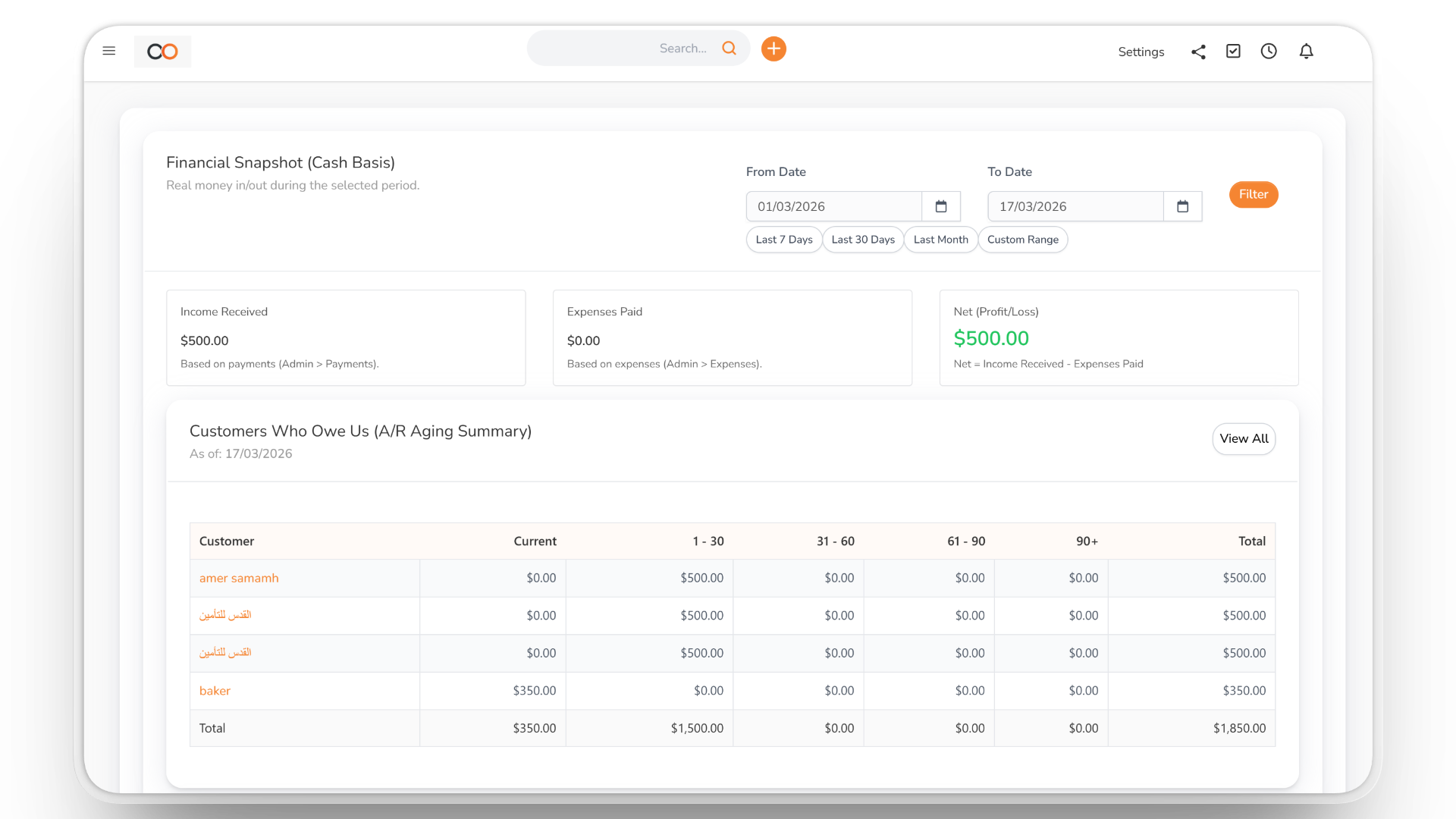
Double-Entry Accounting
A real double-entry system that tracks assets, liabilities, equity and P&L instantly as you run daily operations. Multi-currency, multi-tax, and audit-ready from day one.
- Automated Journal Entries
- Custom Chart of Accounts
- Bank Reconciliation
Invoices, Subscriptions & Expenses
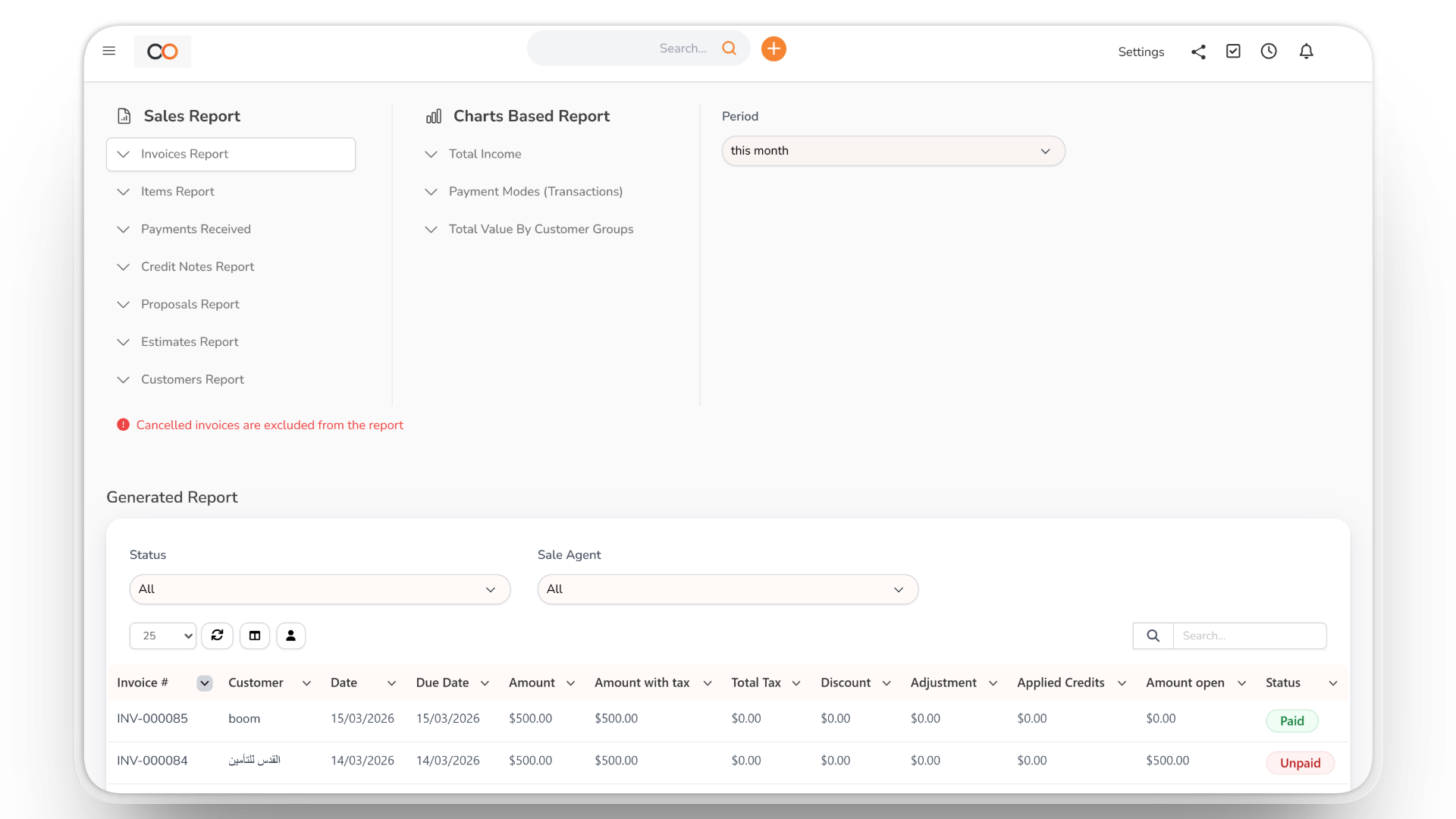
Issue one-off invoices, recurring subscriptions, credit notes, and proforma quotes. Track payments via every method (cash, card, bank, Stripe), manage vendor expenses with receipts, and link every transaction to a client or project.
- Recurring + Subscriptions
- Multi-Method Payments
- Vendors + Purchase Orders
Financial Reports + e-Invoicing
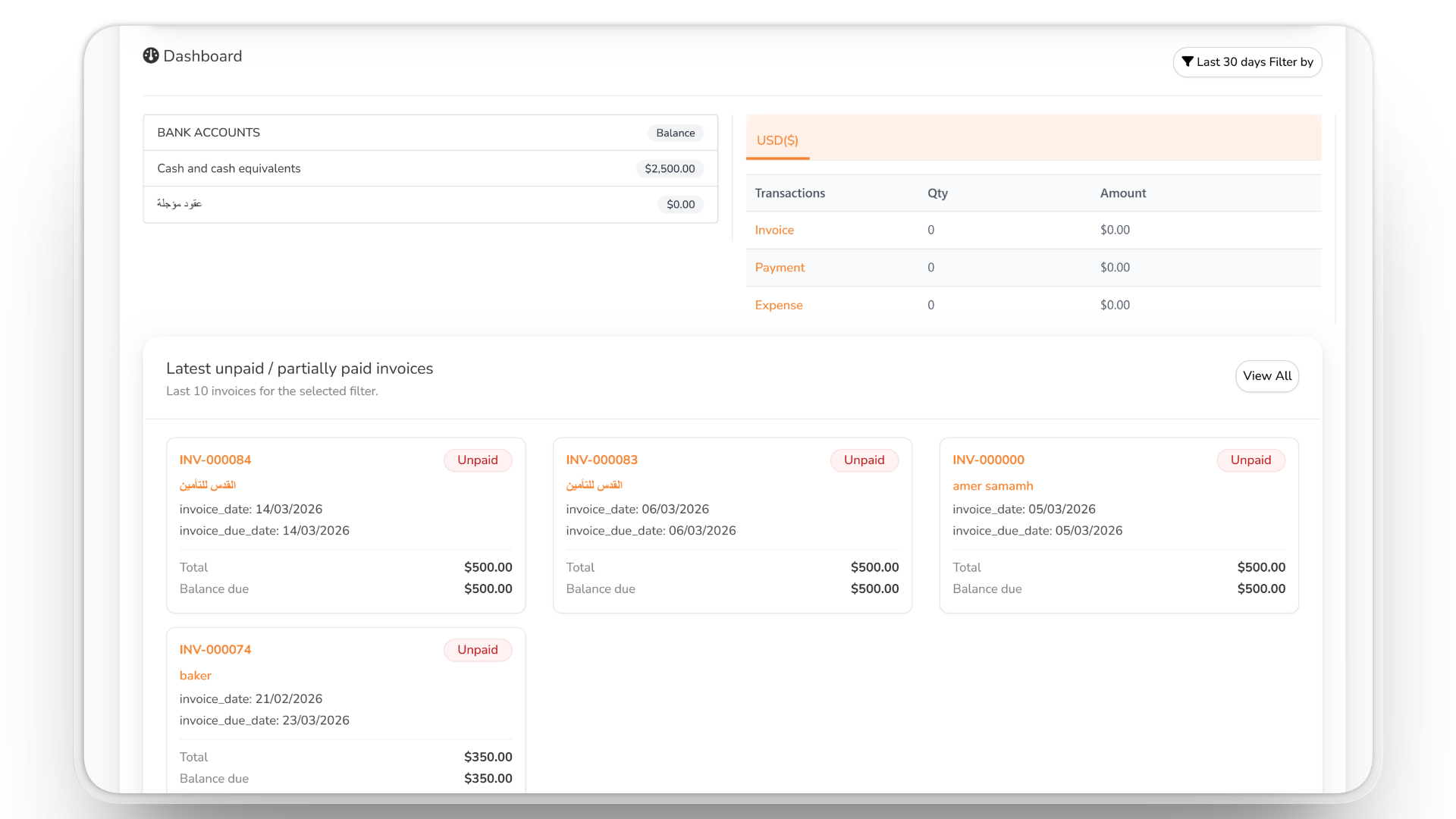
Generate P&L, Balance Sheet + Trial Balance, and Cash Flow with one click. File e-invoices with JoFotara in Jordan or ZATCA in Saudi Arabia, and keep auditors and investors satisfied with real-time financial statements.
- P&L Statement (real-time)
- Balance Sheet + Trial Balance
- Cash Flow + e-Invoicing
Accounting & Finance With Safeguards Built In
Accounting is only useful if the numbers can be trusted. BOOM ERP posts your daily transactions to a real double-entry ledger, then adds the controls finance teams ask for: locked periods, an audit trail and a posting check that flags differences.
Closed periods can be locked, so nobody posts into a month you have already reported — and the posting check compares the ledger with the source documents and shows any mismatch.
Finance works with the rest of BOOM ERP: file invoices with e-Invoicing, track stock value in Inventory, and follow contract installments in Contracts.
From Transaction to Report
1. Record
Invoices, expenses and payments are mapped to your chart of accounts automatically.
2. Collect
Track receivables, post-dated cheques and customer credit limits.
3. Control
Lock closed periods, review the audit trail and run the posting check.
4. Report
P&L, balance sheet, trial balance, cash flow, VAT return and aging.
Everything Your Finance Team Needs
What your team gets with Accounting & Finance:
- Double-entry ledger — custom chart of accounts with automatic mapping.
- Invoicing — invoices, credit notes, recurring billing and payments.
- Bank reconciliation — match bank lines to your books.
- Budgets — plan and compare against actuals.
- Cheques — received and issued cheques, with printing and amounts in Arabic words.
- Period lock — stop postings into closed months.
- Audit trail — who changed what in the books.
- Posting check — find differences between documents and the ledger.
- VAT return — a report ready for your tax filing.
- Receivables — aging buckets, customer statements and credit limits.
- Dimensions — branch, cost centre and custom analysis per ledger line.
- Reports — P&L, balance sheet, trial balance, cash flow and KPIs.
Made for Growing Businesses
Want to see it first? Talk to us, or compare the plans.