
Take Control of
Your Inventory
Track stock across your warehouses, receive and deliver goods with numbered documents, run stock takes, and follow lots, serial numbers and expiry dates — with approvals and alerts built in.
Start Free Trial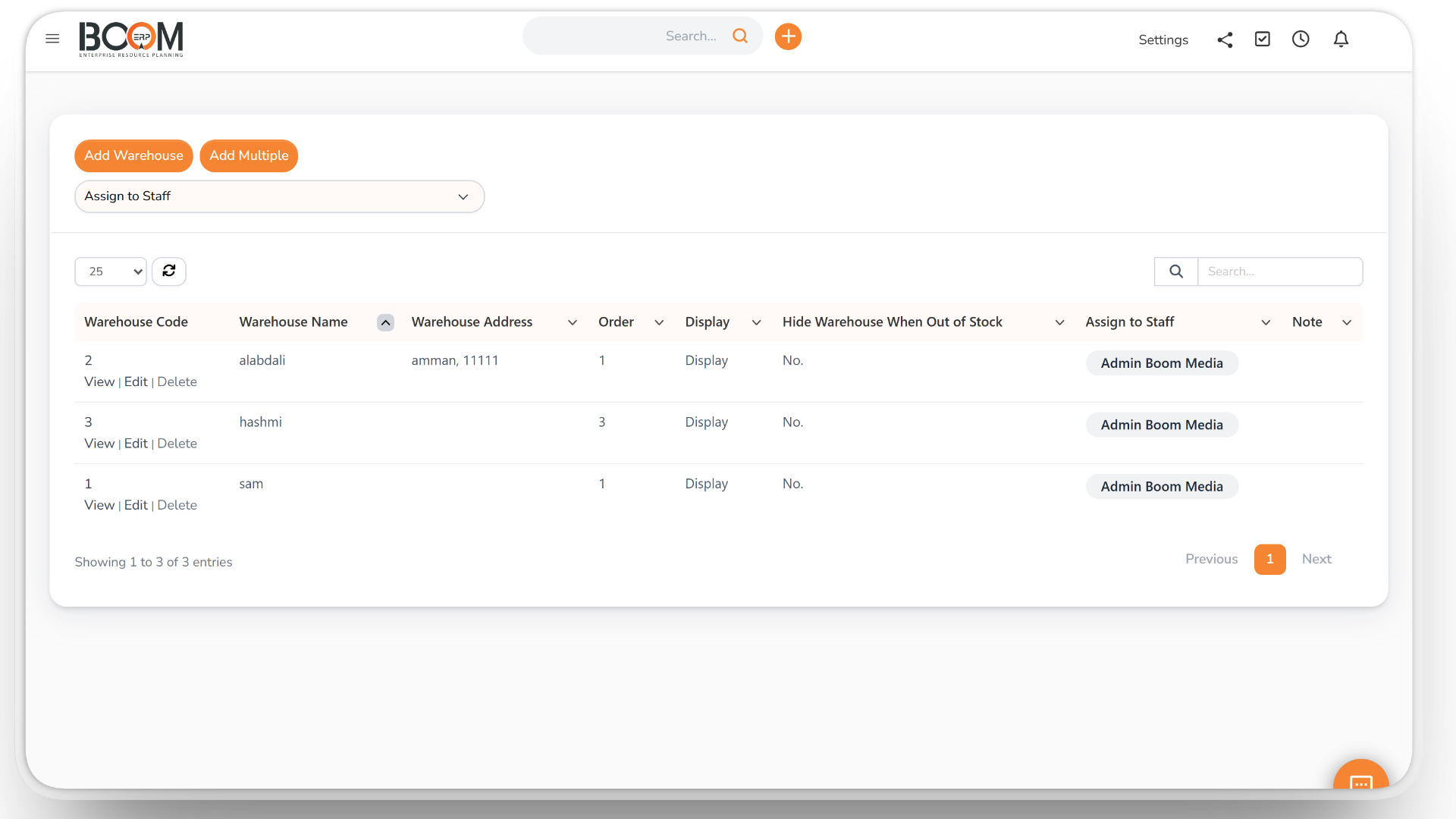
Multi-Warehouse Stock
Track every item across your warehouses with live quantities. Set minimum and maximum stock so you are alerted before an item runs out, and import opening stock from Excel.
- Live stock per warehouse
- Minimum and maximum stock
- Stock alerts
- Opening stock import from Excel
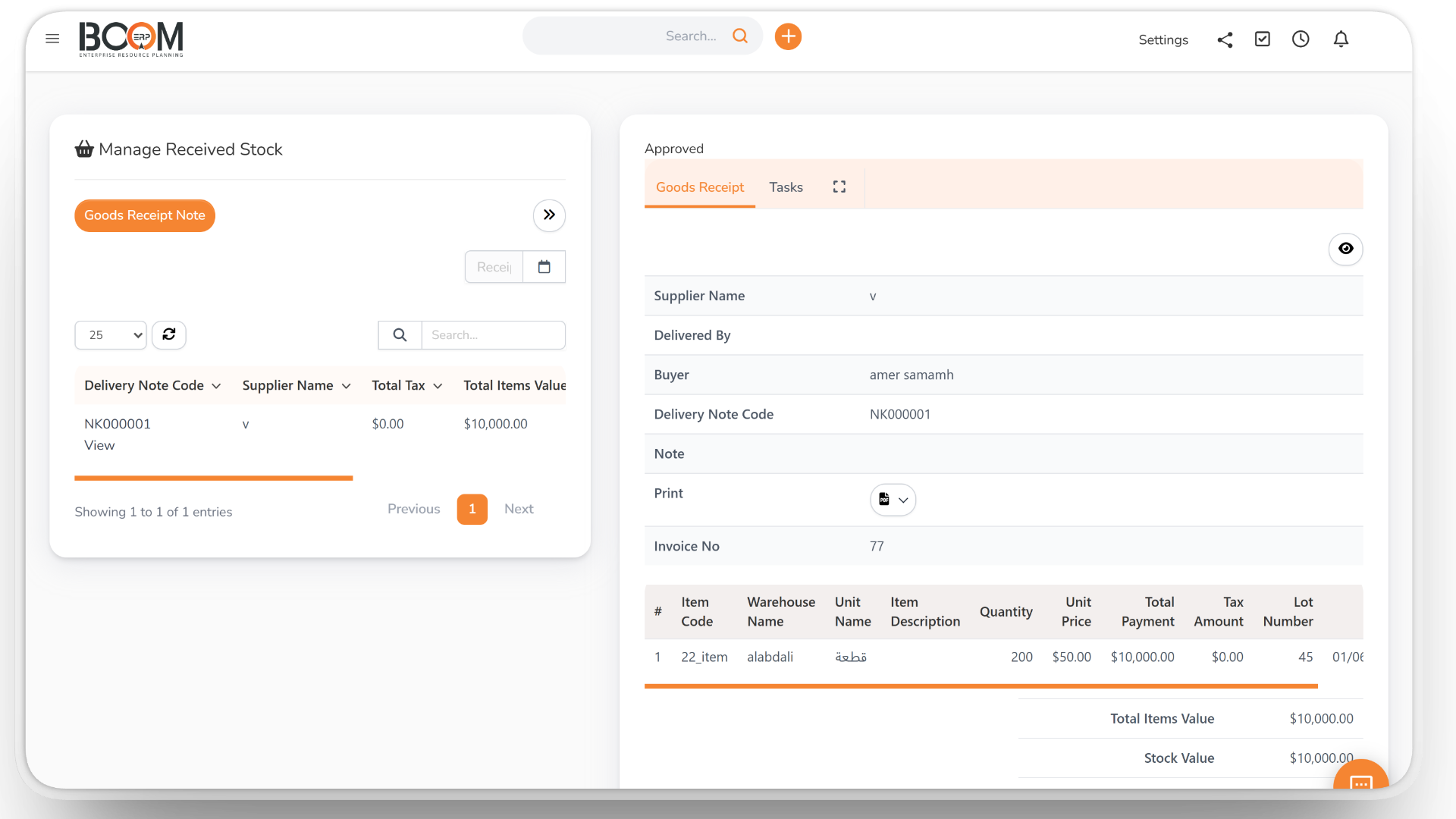
Goods Receipts & Deliveries
Receive goods from suppliers and deliver them to customers with numbered goods receipts and delivery notes. A goods receipt can be created when a purchase order is approved.
- Goods receipt notes
- Goods delivery notes
- Receipts from purchase orders
- Printable documents
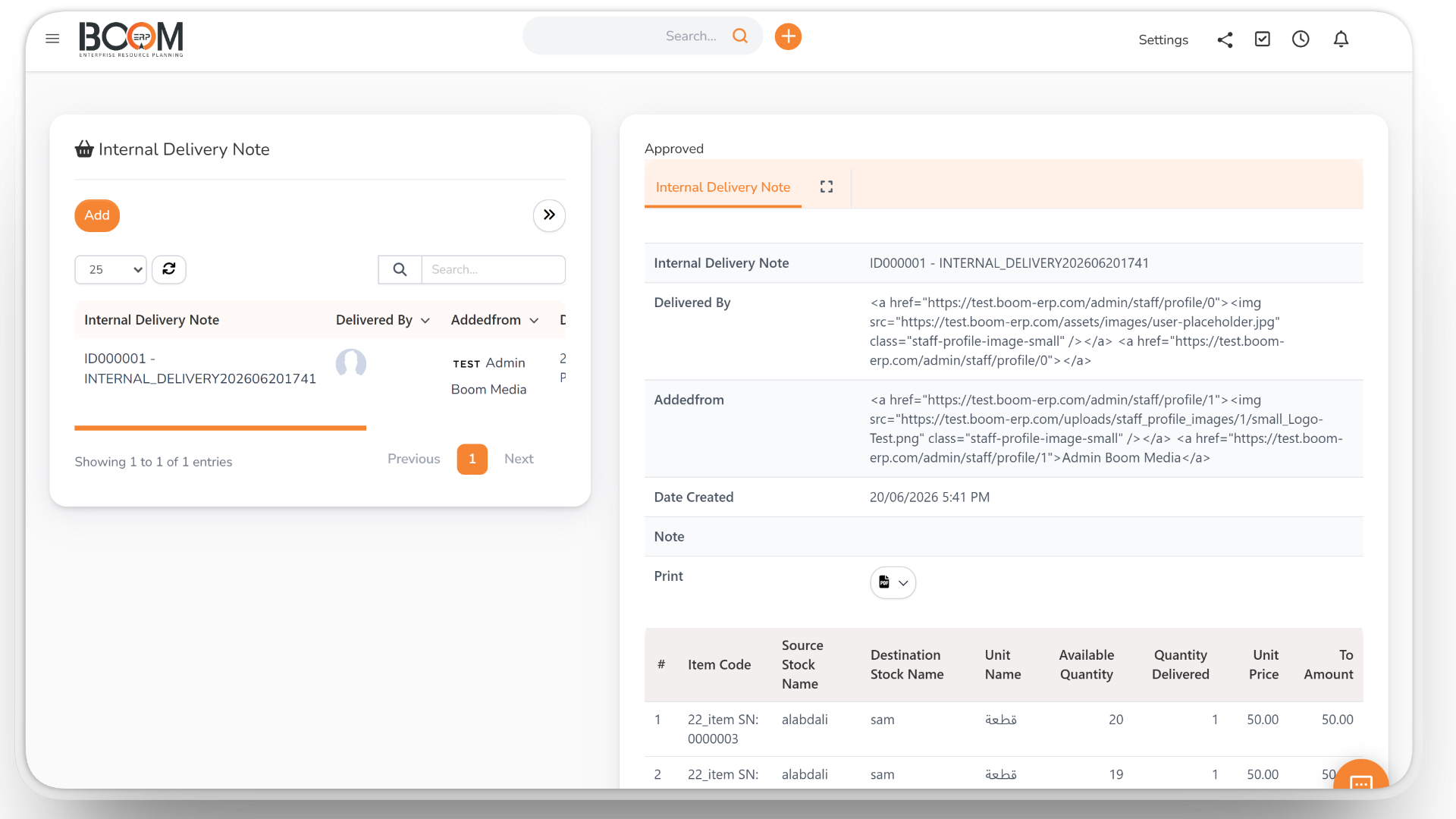
Transfers Between Warehouses
Move stock from one warehouse to another with internal delivery notes, and follow every movement in the stock history of each item.
- Internal delivery notes
- Automatic numbering
- Stock history per item
- Transaction history
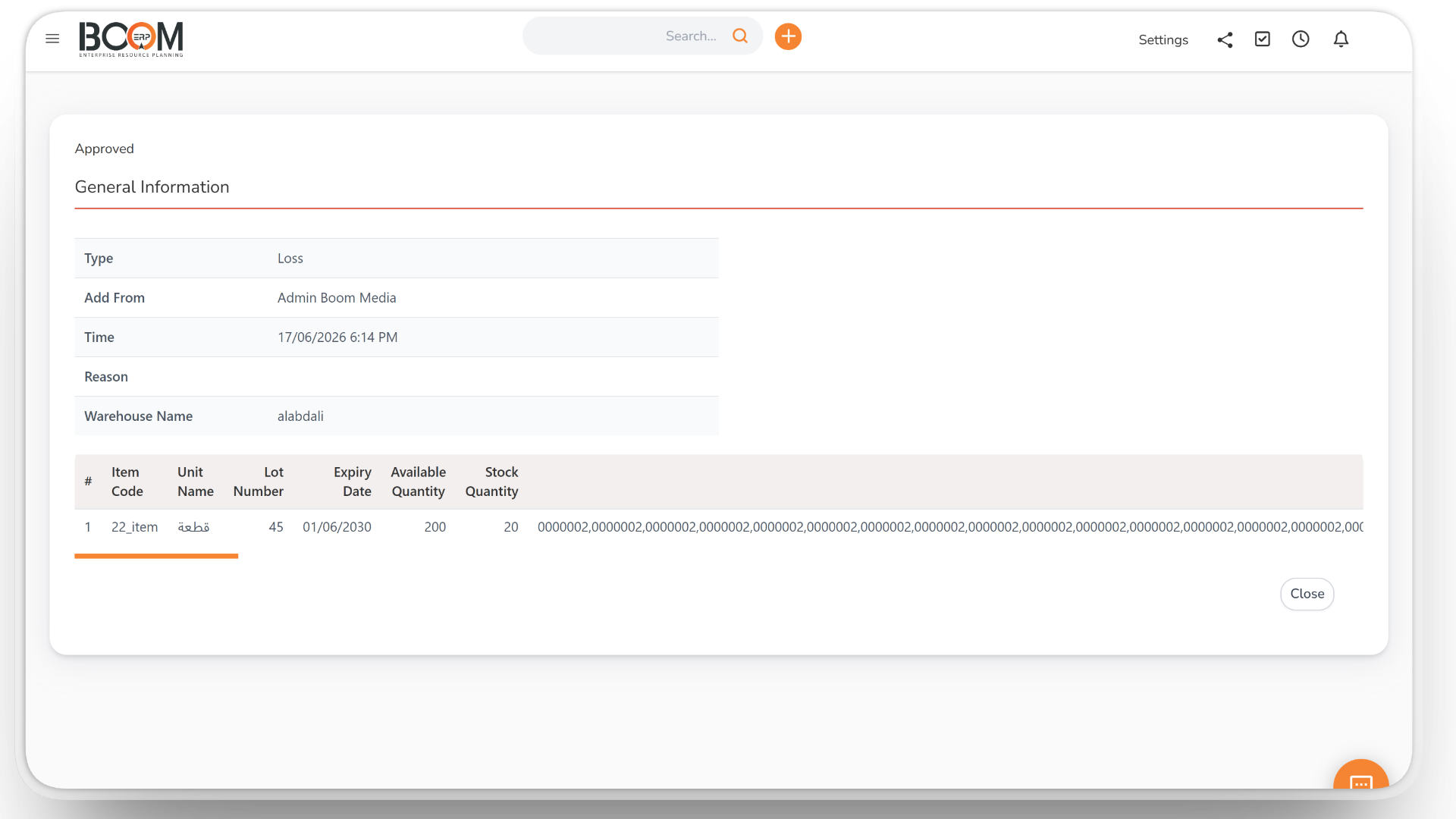
Stock Take & Adjustments
Count your stock with a stock take, record losses and adjustments with their reasons, and have them approved before they change your balances.
- Stock take with results
- Loss and adjustment notes
- Approval before posting
- Every change recorded
Items, Lots & Expiry
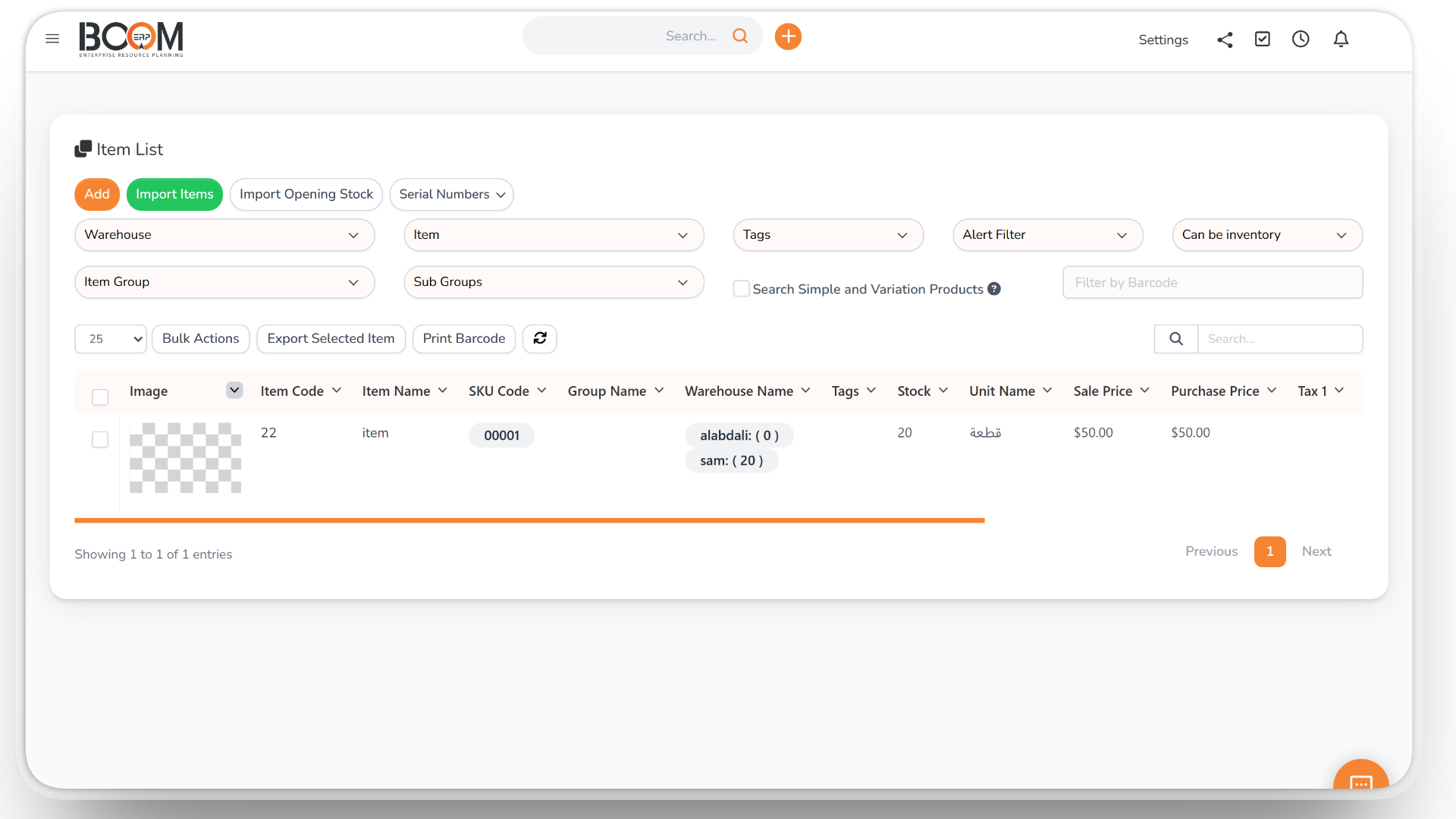
Organise items by group, unit and barcode, and track lot numbers, serial numbers and expiry dates — with alerts for items that are about to expire.
- Item groups and units
- Barcodes
- Lot and serial numbers
- Expiry alerts
Approvals & Notifications
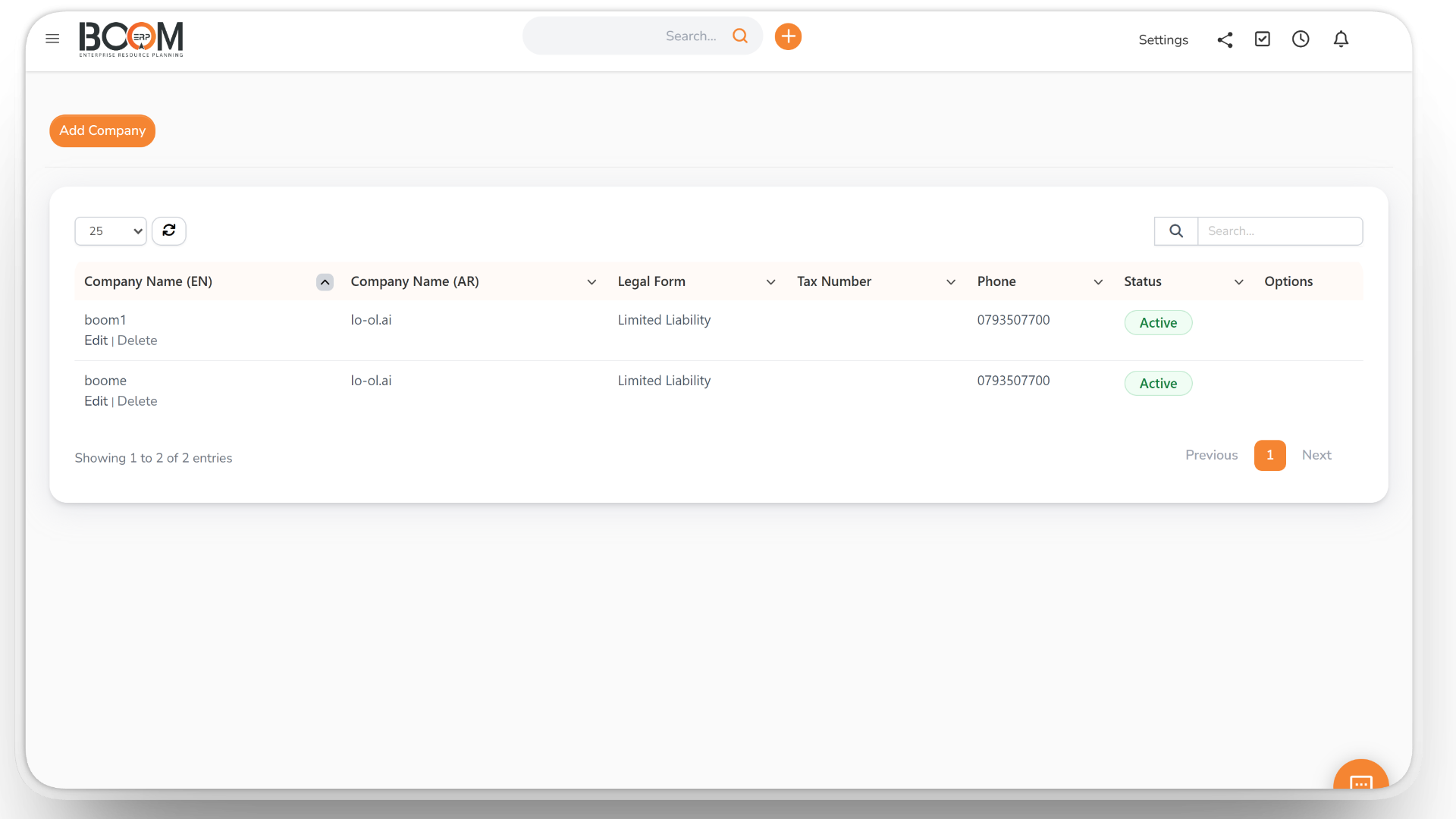
Goods receipts, deliveries and adjustments can require approval. The requester and the chosen recipients are notified when a request is approved or rejected.
- Approval workflow
- Notification recipients
- Approve or reject
- Permissions per role
Reports & Valuation
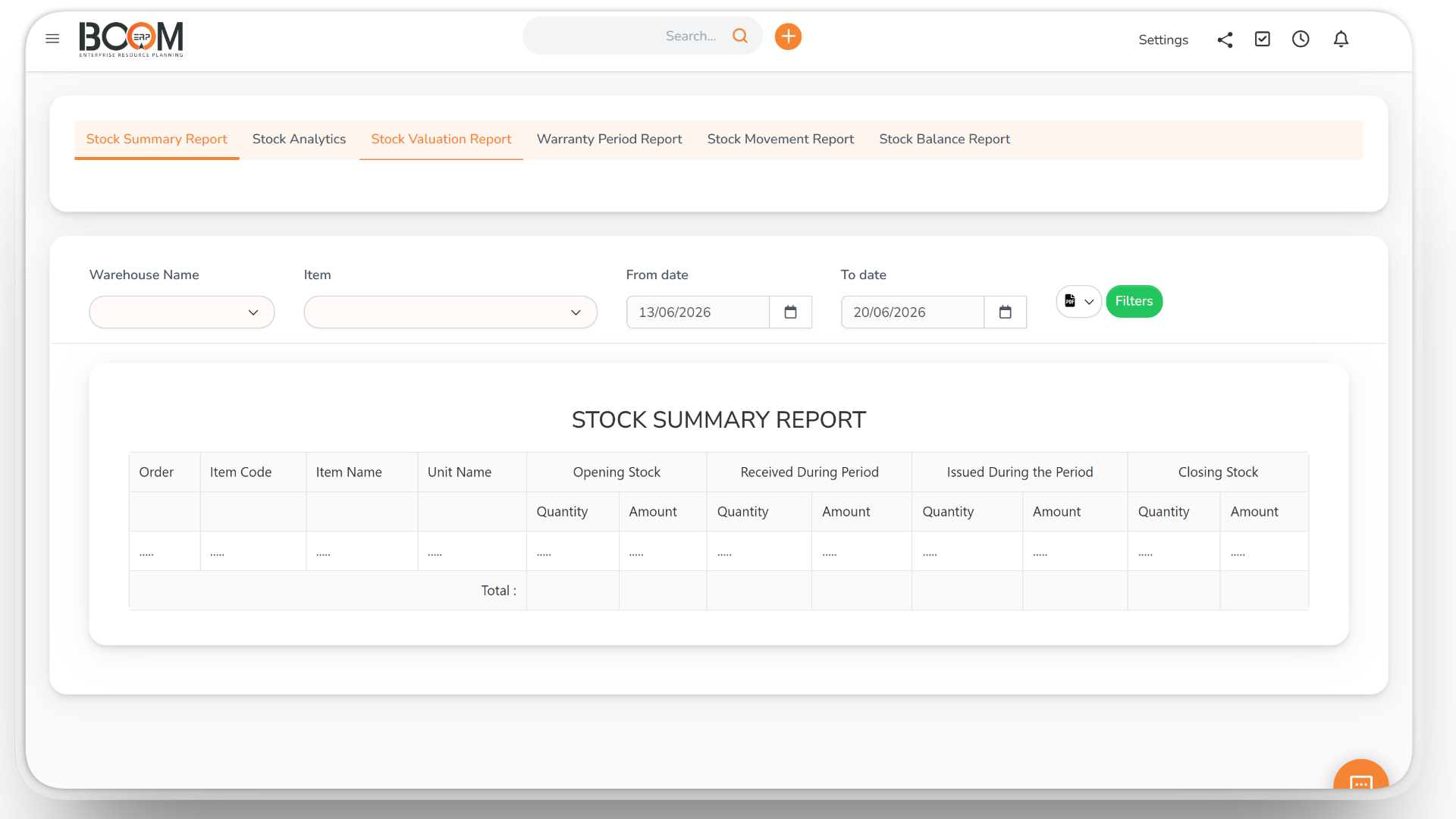
Know what you hold and what it is worth, with the stock valuation report, stock history, transaction history and stock take results.
- Stock valuation report
- Stock history
- Transaction history
- Stock take results
Sales, Returns & Shipments
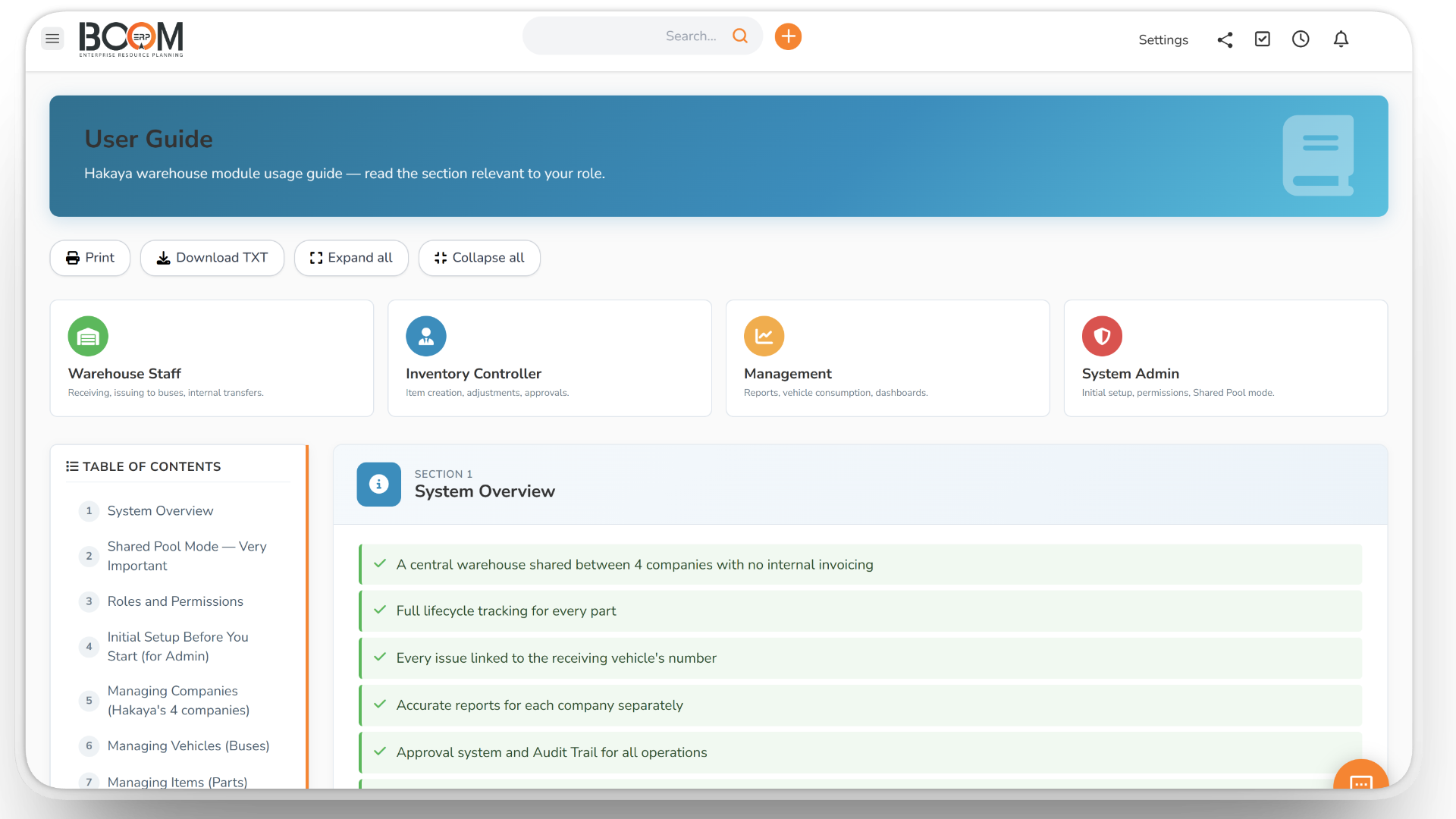
A delivery note can be created automatically with each sales invoice and reversed if the invoice is cancelled. Handle order returns under your return policy, and pack and ship with shipment logs.
- Delivery note from invoice
- Reversed on cancellation
- Order returns
- Packing lists and shipments
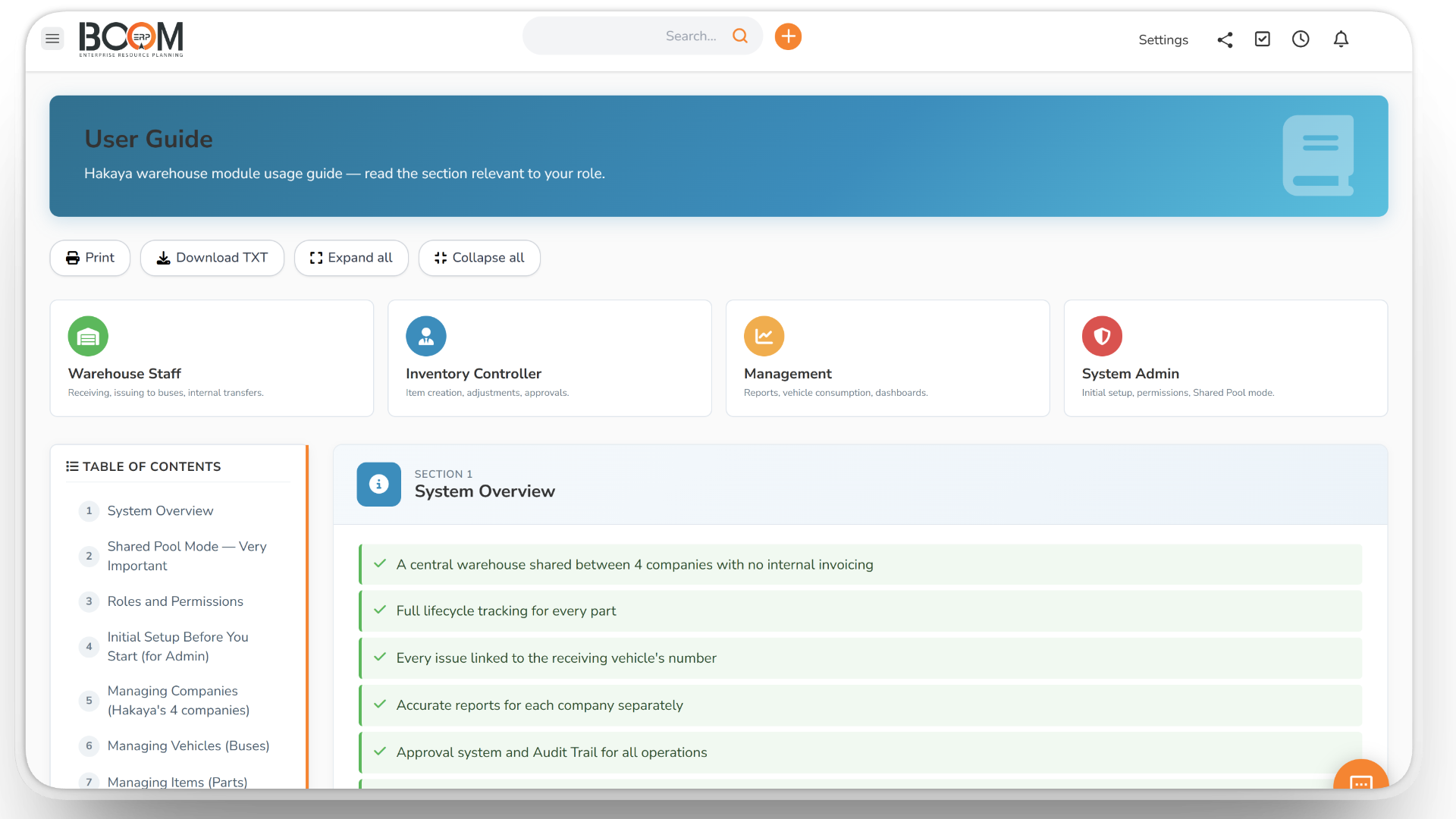
Inventory & Warehouse Management You Can Trust
Stock-outs lose sales and surplus stock ties up cash. BOOM ERP records every receipt, delivery, transfer and adjustment against the right warehouse, so you always know what you hold and what it is worth.
Receipts, deliveries and adjustments can be set to wait for approval, so no quantity changes until the responsible person confirms it.
Inventory works with the rest of BOOM ERP: delivery notes follow your invoices in Finance, and file sales with e-Invoicing. See it in retail and manufacturing.
From Purchase to Sale
1. Set up
Add warehouses, items, units, barcodes and minimum stock.
2. Receive
Record goods receipts, including from approved purchase orders.
3. Move
Deliver to customers, transfer between warehouses and adjust after stock takes.
4. Review
Check stock history, valuation and alerts at any time.
Everything You Need to Control Stock
What your team gets with Inventory & Warehouse:
- Warehouses — live quantities in each warehouse.
- Goods receipts — numbered, linked to purchase orders.
- Goods deliveries — numbered, created from invoices if you choose.
- Transfers — internal delivery notes between warehouses.
- Stock take — count, compare and adjust.
- Loss and adjustment — with reasons and approval.
- Lots and serials — track them per movement.
- Expiry — dates and alerts before items expire.
- Min and max stock — alerts before you run out.
- Returns — order returns under your return policy.
- Shipments — packing lists and shipment logs.
- Reports — valuation, stock history and transaction history.
Made for Stock-Driven Businesses
Want to see it first? Talk to us, or compare the plans.