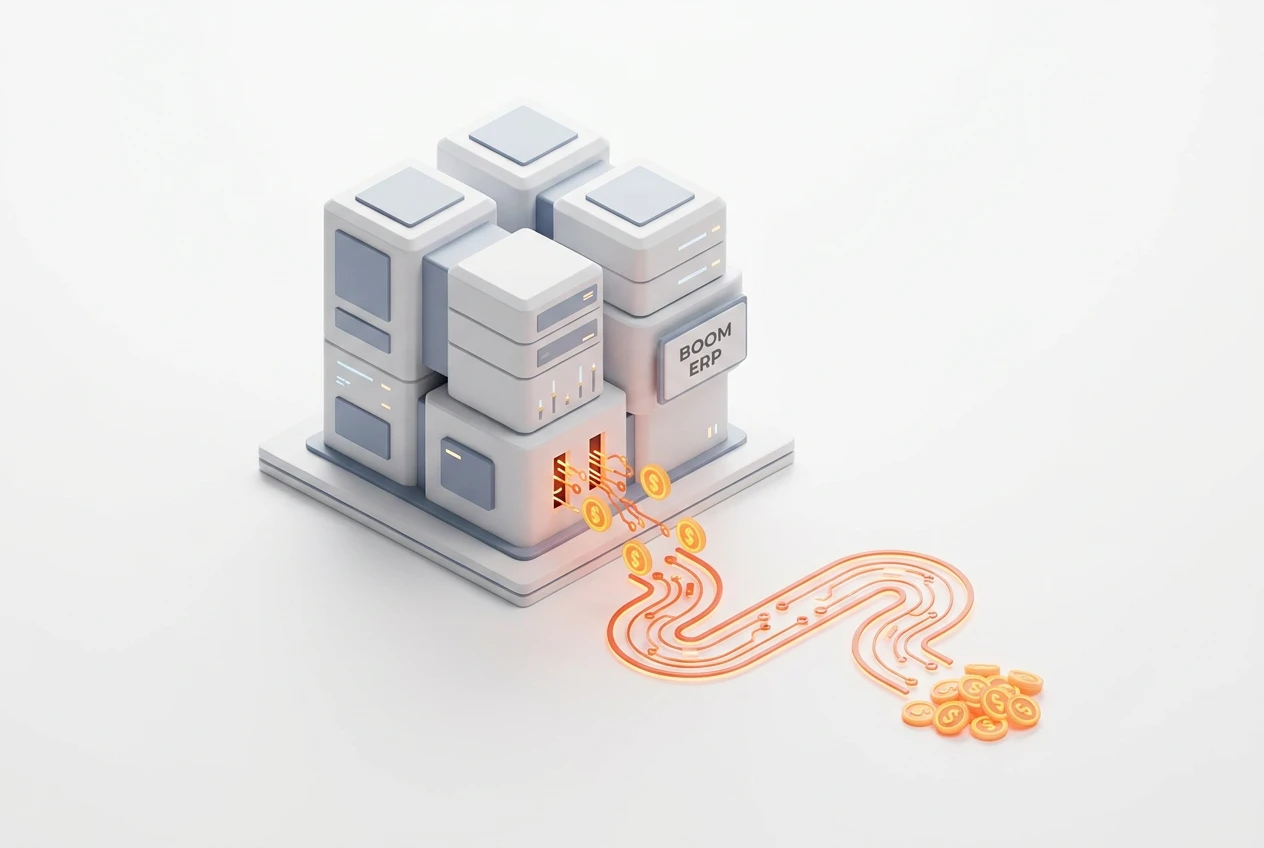
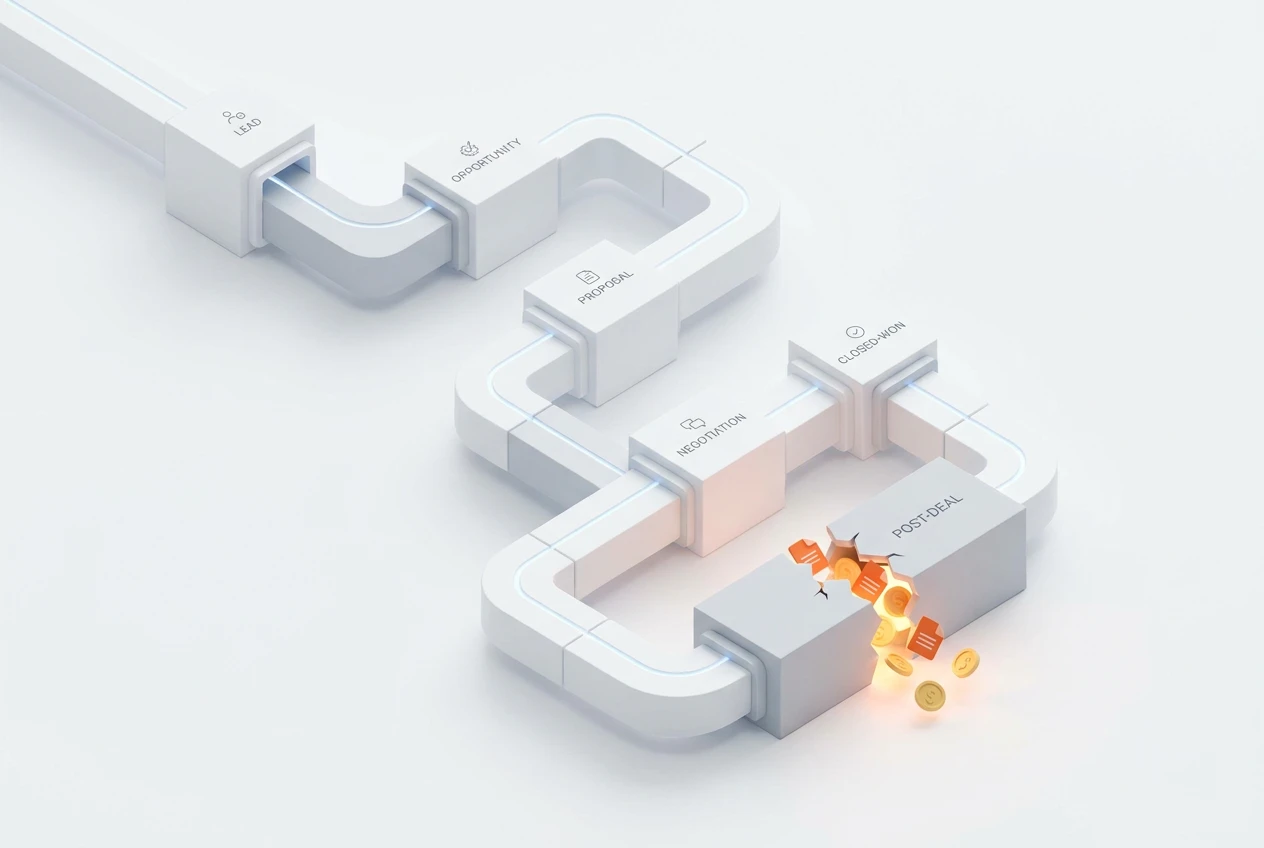
After a sale, data must move from your CRM to project management and accounting. This is where effective post-sale workflow automation is crucial. Disconnected apps force manual re-entry, causing kickoff delays, invoicing errors, and a poor client onboarding experience. Consequently, a unified ERP like BOOM ensures a seamless data flow from sales to operations. This protects your hard-won revenue and secures your bottom line.
What Is CRM Profit Leakage?
CRM profit leakage refers to the hidden costs that reduce your profit margin after a deal is marked as ‘won’. These losses happen when data fails to flow smoothly from your sales team to your delivery and finance teams. For example, manual data entry can introduce errors into contracts or invoices. Moreover, delays in starting a project because of poor communication can damage client trust. This friction in the lead to cash process slowly eats away at the profitability you worked so hard to secure.
Why Is the Sales to Operations Handoff So Critical?
The sales to operations handoff is the first real test of your company’s promise to a new client. After signing, clients expect a smooth and professional start. However, if your operations team receives incomplete or incorrect information, delays are inevitable. This creates a poor first impression and can lead to scope creep or client dissatisfaction. A broken handoff process directly threatens future business and referrals. Therefore, perfecting this transition is essential for a unified client lifecycle.
How Does Manual Data Entry Increase Risk?
Manual data entry is a major source of operational risk and financial loss. Every time an employee copies information from the CRM to another system, there is a chance for error. For instance, a typo in a client’s address can delay an invoice. A mistake in the project scope can lead to costly rework. Furthermore, these small errors accumulate over time, leading to significant CRM profit leakage. Automating this process removes the risk of human error and ensures data consistency across all departments.
What Are the Signs of a Broken Post-Sale Workflow?
Identifying a broken post-sale workflow is key to stopping profit loss. Operations managers should look for several warning signs. First, are project kickoffs frequently delayed? Second, do clients complain about receiving incorrect invoices? Additionally, does your finance team spend hours reconciling sales data with accounting records? These issues indicate that your systems are not communicating effectively. Acknowledging these symptoms is the first step toward implementing proper post-sale workflow automation.
Can Post-Sale Workflow Automation Improve Client Onboarding?
Absolutely. A streamlined post-sale workflow automation system creates an exceptional onboarding experience. When a deal closes, the system can automatically trigger a series of actions. For example, it can create a new project in your management module with all the correct details. It can also generate the first invoice and schedule a kickoff meeting. This efficiency impresses new clients and sets a positive tone for the entire relationship. Consequently, it builds a foundation of trust and professionalism from day one.
How Does a Unified System Prevent Revenue Loss?
A unified system like BOOM ERP acts as a single source of truth for your entire business. It eliminates the data silos that cause confusion and errors. With a unified platform, everyone from sales to project management to accounting works with the same information. This ensures that invoices are accurate and sent on time. Moreover, it provides clear visibility into project profitability, helping you manage the complete lead to cash process. By connecting CRM to accounting software seamlessly, you protect every dollar of your hard-won revenue.
What Are the Steps to Improve the Sales to Project Management Handoff?
Improving your sales to project management handoff involves a few key steps. A structured process ensures a smooth transition and protects your profits.
- Standardize Handoff Information: Create a template that sales must complete for every new project.
- Automate Project Creation: Use a system that automatically creates a project record from a closed deal in the CRM.
- Schedule an Internal Kickoff: Mandate a meeting between the sales and project teams to review client goals.
- Use a Unified Platform: Implement a single ERP like BOOM ERP to connect all departments.
- Track Handoff Metrics: Monitor the time it takes from ‘deal won’ to ‘project start’ to identify bottlenecks.
How Does BOOM ERP Create a Unified Client Lifecycle?
BOOM ERP is designed to manage the entire client journey on one platform. The process begins when a lead enters your CRM. From there, our system handles quoting, sales, and deal closure. Once the deal is won, BOOM ERP automatically transitions the data to the project management and finance modules. This creates a truly unified client lifecycle. There is no need for manual data re-entry, which helps reduce errors after closing a sale. You can explore these integrated features to see how they connect your teams.
Frequently Asked Questions
How does post-sale workflow automation save money?
It saves money by eliminating manual data entry errors, reducing project kickoff delays, and ensuring accurate, on-time invoicing. This directly prevents the small, hidden costs known as CRM profit leakage.
What is the ‘lead to cash’ process?
The lead to cash process covers the entire customer journey, from the initial lead generation to quoting, sales, delivery, invoicing, and finally, receiving payment. A unified system optimizes this entire cycle.
Can I connect my existing CRM to your system?
BOOM ERP is a complete, all-in-one solution designed to replace a patchwork of separate apps. It includes a powerful CRM, so you would migrate your data to our unified ecosystem for maximum benefit.
How difficult is it to implement a new ERP system?
BOOM ERP simplifies implementation. Our platform is intuitive and user-friendly. Furthermore, we offer support and a 7-day free trial with no credit card required, allowing you to experience the benefits firsthand before committing.
How does your system improve the sales to operations handoff?
Our system automates the handoff. When a deal is marked ‘won’ in the CRM, it automatically creates a project, assigns tasks, and notifies the operations team, ensuring a seamless and error-free transition.
Is this solution scalable for a growing business?
Yes, BOOM ERP is built to scale. Whether you are a team of five or five hundred, our role-based security and flexible architecture grow with your business, providing a long-term solution for your operational needs.
Stop letting disconnected systems drain your profits. A fragmented post-sale process is a silent killer of your bottom line. It’s time to implement robust post-sale workflow automation. BOOM ERP provides the unified platform you need to connect your entire lead to cash process. Discover our full suite of features and start your free trial today to protect your revenue. Also, follow our journey on Facebook!