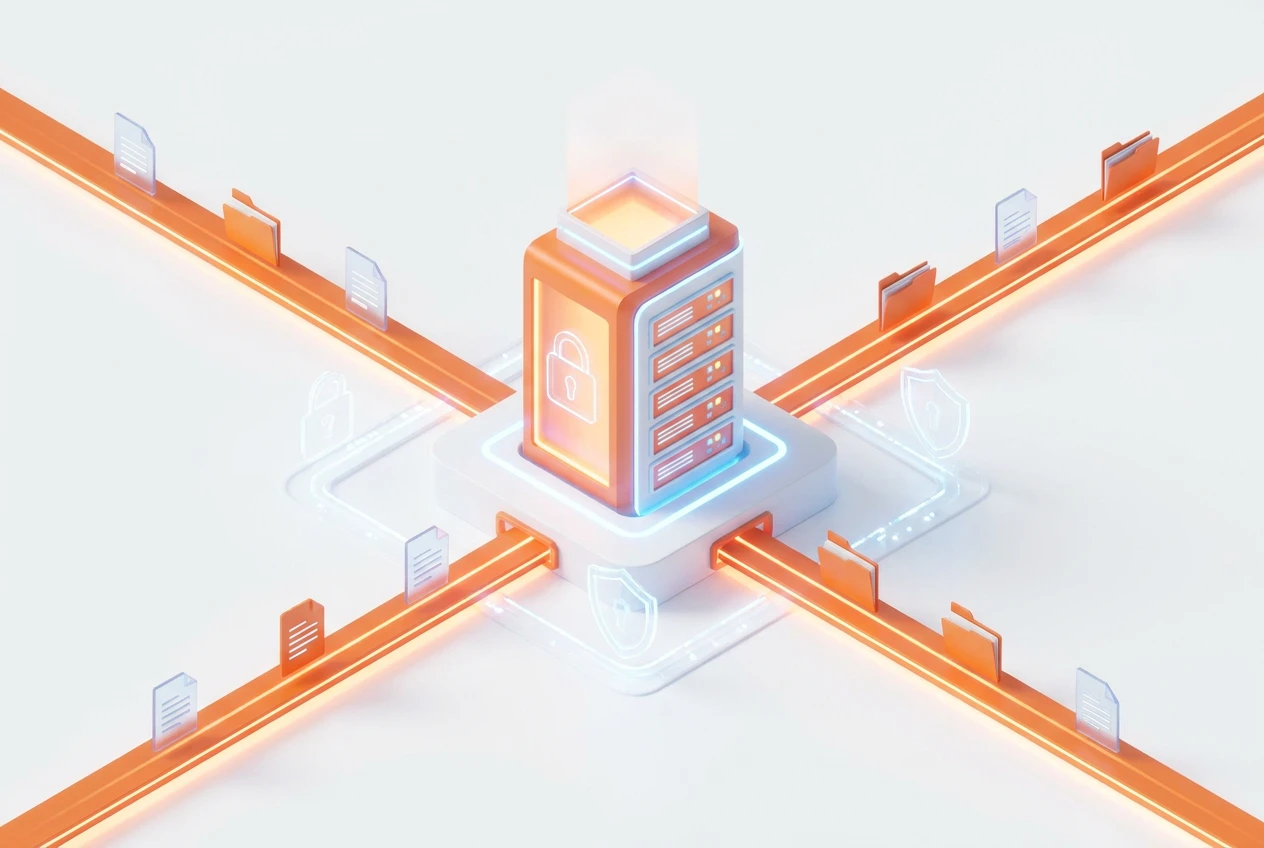
An ERP with integrated document management boosts security by centralizing all files into one secure, auditable hub. It enforces role-based access controls, ensuring only authorized personnel can view or edit sensitive information. Furthermore, this approach to ERP document control eliminates scattered, unsecured files and creates a single source of truth. This centralization is consequently key to modern business efficiency and data protection.
What Is ERP Document Control?
ERP document control is a system that manages documents throughout their lifecycle, directly within your Enterprise Resource Planning software. It goes far beyond simple storage. For example, it tracks creation, review, modification, and distribution of every file, from contracts to invoices.
Essentially, it links your critical documents to specific business operations, like customer accounts, projects, or financial records. This integration provides context and makes information instantly accessible. Consequently, teams work faster and with greater accuracy, reducing manual retrieval tasks.
Why Is Centralized File Management Crucial?
Scattered files across different computers, cloud drives, and email inboxes create chaos and risk. Centralized file management solves this by creating a single, secure repository for all company documents. Therefore, everyone knows exactly where to find the latest, approved version of any file.
This method drastically reduces the chances of using outdated information, which can lead to costly mistakes. Moreover, it simplifies audits and compliance reporting. With a system like BOOM ERP, you replace dozens of separate apps with one unified ecosystem, ensuring consistency and control over your data.
How Does Version Control Prevent Errors?
A key feature of a strong business document system is version control. It automatically tracks every change made to a document, noting who made the change and when. This creates a complete historical record, which is invaluable for accountability and troubleshooting.
For instance, if a mistake is found in a new contract template, you can instantly revert to a previous, correct version. This prevents the error from spreading. An ERP system with version control ensures that your team always works from the most current and approved document, minimizing confusion and rework.
What Are the Security Benefits of an ERP Document System?
A primary advantage of an ERP document system is enhanced security. Instead of files being loosely stored on local drives, all data is held in a protected, centralized database. Access is managed through strict, role-based permissions. This means an employee can only see or edit documents relevant to their specific job function.
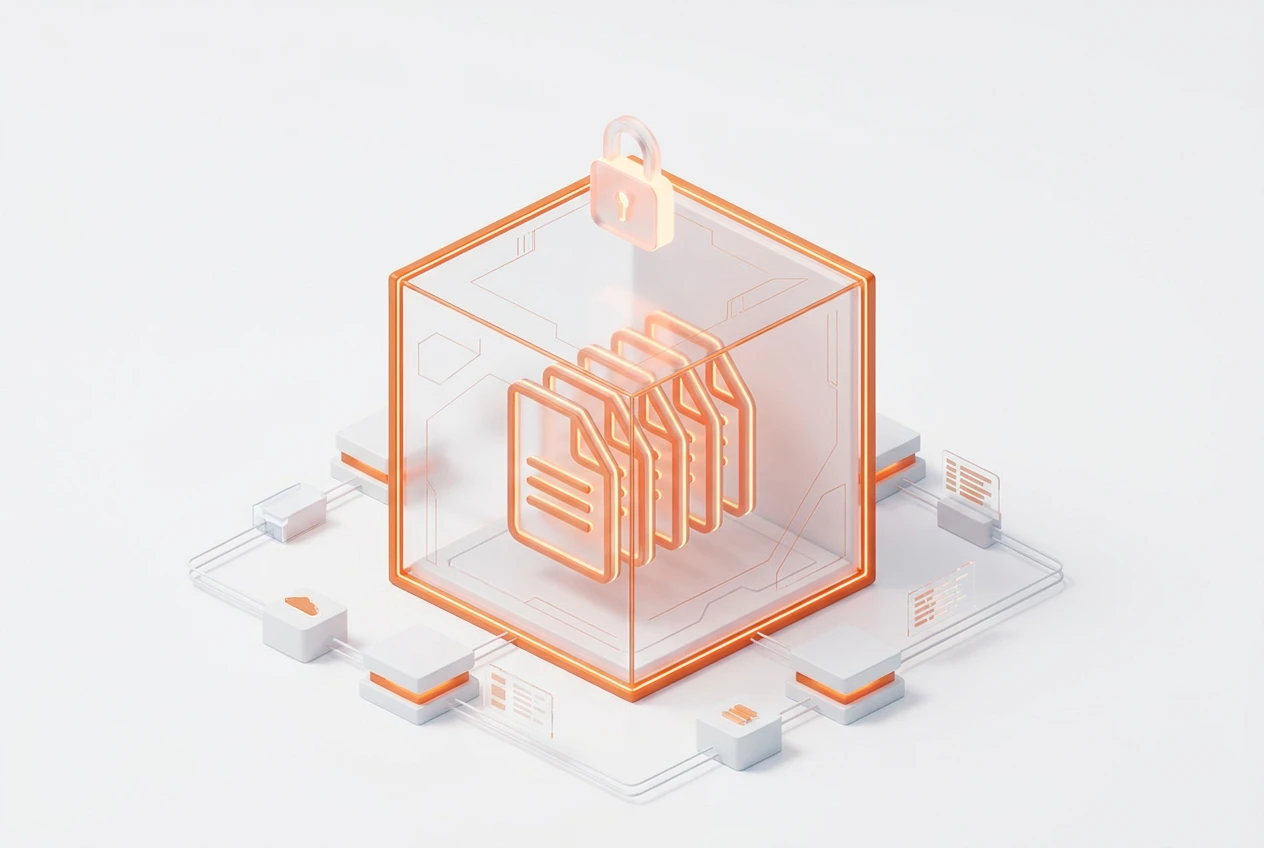
Additionally, all document activities are logged, creating a clear audit trail. You can see who accessed, downloaded, or modified a file at any time. This level of secure document sharing for business is critical for protecting sensitive client information, financial data, and intellectual property from unauthorized access or leaks.
How Does ERP Document Control Improve Workflows?
ERP document control actively streamlines business workflows. By linking documents to transactions, it automates many manual steps. For example, when a sales order is created, the system can automatically generate and attach the corresponding quote and client agreement.
Furthermore, approval processes can be automated. A document can be routed electronically to the necessary managers for review and sign-off, with notifications sent at each stage. This eliminates delays caused by paperwork getting lost on someone’s desk. Ultimately, it accelerates everything from sales cycles to project completion.
Can This System Scale with My Business?
Yes, a well-designed ERP platform is built to scale. Whether you have a team of five or five hundred, the system adapts to your needs. As your company grows, you can easily add new users, create new roles, and expand your document storage without compromising performance or security.
BOOM ERP, for example, is designed for scalability. It provides a robust foundation that supports your growth, ensuring that your processes for secure document storage and management remain efficient. You never have to worry about outgrowing your system’s capabilities.
What’s Involved in Centralizing Company Documents?
Learning how to centralize company documents involves a clear strategy. The process typically includes several key steps to ensure a smooth transition from scattered files to a unified system. A phased approach often works best.
Here is a common implementation path:
- Audit Current Documents: First, identify where all your important documents are currently stored and decide what needs to be migrated.
- Define Access Roles: Determine who needs access to what information. Create user groups based on job functions like sales, finance, and operations.
- Configure the System: Set up your ERP’s document management module, including folder structures and approval workflows.
- Migrate Data: Begin moving your documents into the new centralized file management system, starting with the most critical files.
- Train Your Team: Finally, provide thorough training to ensure everyone understands how to use the new system effectively.
How Do I Choose the Right ERP?
Choosing the right ERP with document management requires careful consideration of your unique business needs. Look for a system that offers a unified platform, replacing the need for multiple disconnected applications. A solution like BOOM ERP simplifies operations by providing an end-to-end workflow from lead to cash.
Crucially, evaluate the security features. Ensure it has role-based permissions, detailed audit logs, and secure document sharing for business. Also, look for a provider that offers a free trial, so you can test the functionality firsthand. A system that is easy to implement and use will deliver the fastest return on investment.
Frequently Asked Questions
What is the main purpose of document control in an ERP?
The main purpose is to manage the entire lifecycle of business documents within a single, secure system. This ensures data integrity, improves access, and streamlines workflows by linking files directly to business transactions.
How does an ERP improve document security?
An ERP improves security through centralized storage, role-based access controls, and detailed audit trails. It prevents unauthorized access and creates a log of every action taken on a document, from viewing to editing.
Can an ERP manage different versions of a document?
Yes, robust ERP systems include version control. This feature automatically saves a new version every time a document is changed, allowing you to track history and revert to previous versions if needed.
Will centralizing documents save my company money?
Absolutely. Centralized document management reduces time wasted searching for files, prevents costly errors from using outdated information, and lowers the risk of security breaches. This increased efficiency directly translates to cost savings.
Is it difficult to move our existing files into an ERP?
While it requires planning, modern ERPs like BOOM ERP are designed to make migration straightforward. With a clear strategy for auditing, organizing, and importing files, the transition can be managed efficiently.
How does this help with compliance and audits?
An ERP with document control provides a single source of truth with a complete audit trail. This makes it simple to demonstrate compliance with industry regulations by quickly producing requested documents and showing who has accessed them.
Ready to eliminate file chaos and secure your critical business information? A unified system with powerful ERP document control is the answer. BOOM ERP provides a single, scalable platform to manage everything from leads to documents, replacing complexity with clarity. Explore our powerful tools on our features page. For updates and insights, follow us on Facebook. Start simplifying your operations today.