
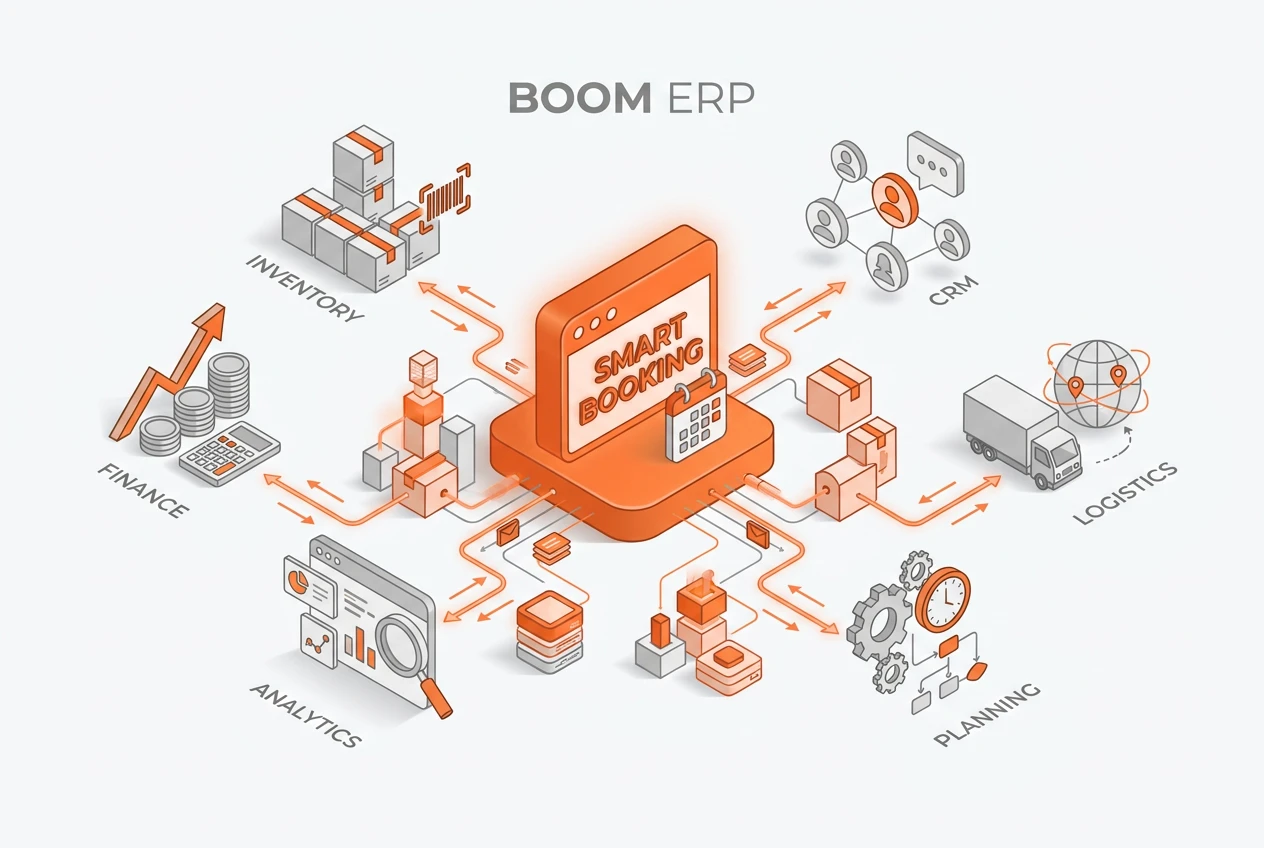
A booking-driven workflow transforms your business by connecting your calendar directly to your CRM and finance. In BOOM ERP’s Smart Booking, a booking request creates the customer record automatically, without duplicates; the booking is approved with one click, the invoice is created from the booking, and every payment on that invoice is logged back with the deposit and remaining balance. Consequently, this cuts manual data entry and streamlines the lead-to-cash process from the very first client interaction.
What Exactly Is a Booking-Driven Workflow?
A booking-driven workflow is a sequence of business actions that starts when a client books. Instead of viewing a booking as a simple calendar entry, this approach sees it as the starting point for the customer journey. For example, a booking request from your public page creates the customer record automatically, and an appointment booked from a call in Sales Calls stays linked to that call. This helps ensure that no opportunity is missed and reduces administrative work for your team.
Why Is Traditional Scheduling So Inefficient?
Manual scheduling creates unnecessary friction and opens the door to costly errors. First, employees spend valuable time on back-and-forth emails just to find a suitable time. Furthermore, once a time is set, they must manually update the CRM, create project folders, and notify the finance team. This disjointed process often leads to data silos, where information in one system does not match another. In short, it is slow, prone to human error, and delivers a poor client experience.
How Does Appointment Automation Initiate the Workflow?
Appointment automation is the engine of a booking-driven workflow. It begins when you share your public booking page on your website or in your messages. When a client picks a free time slot, the request lands in your dashboard, where your team confirms it, or it is approved automatically if you choose. Taken slots are blocked, so no two clients receive the same time. Reminders then go out by email or SMS before the appointment. This keeps every new appointment processed consistently and correctly.
Can Your Calendar Truly Connect to Your CRM?
Yes, connecting your calendar to your CRM is a cornerstone of this modern approach. With a unified platform like BOOM ERP, a new booking instantly checks the CRM for an existing client record. If a record exists, it logs the new appointment. If not, it creates a new customer record. This seamless integration ensures your client data is always current. It provides your sales team with a complete history of interactions, which is crucial for building strong relationships.
How Does a Booking Lead to Delivery?
Once a booking is confirmed, delivery can start from the same records. For service work, you can create a project for the client from a task template with milestones and dependencies, so the team starts with a ready-made task list. For venues and farms, add-ons requested with the booking are approved by your team and appear with the booking. This bridges the gap between sales and delivery, ensuring a smooth handover and immediate progress.
What Is the Impact on Financial Management?
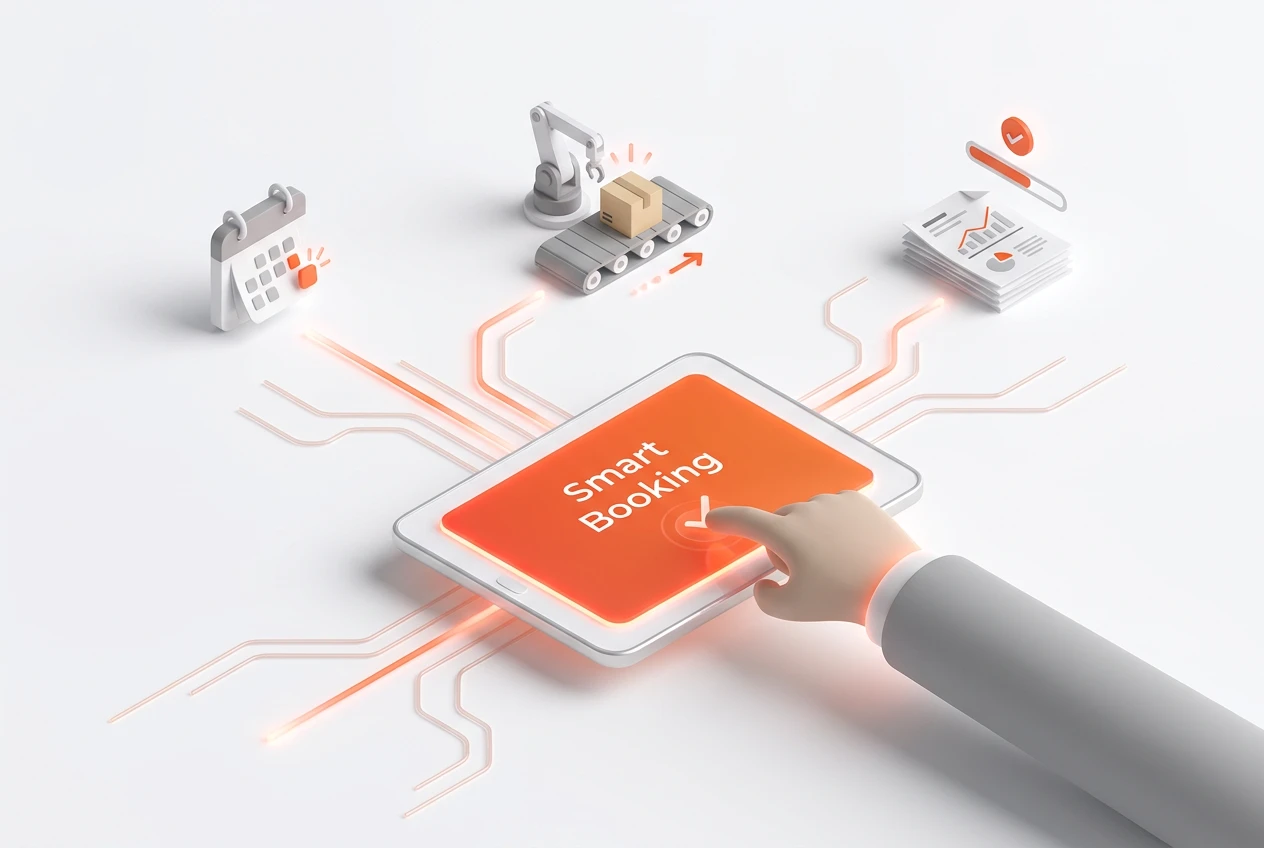
The booking-driven workflow extends to your finances, improving your calendar to cash flow cycle. In Smart Booking, you create the invoice from the booking in one click, and any payment on that invoice is logged back to the booking with the deposit and remaining balance. For appointments, an appointment with a customer can be converted into an invoice. Moreover, booking reports show expected versus actual income and overdue payments. This direct link between scheduling and billing reduces delays and minimizes revenue leakage.
How Does This Unify Your Business Operations?
The core benefit of a booking-driven workflow is unification. Instead of juggling separate apps for scheduling, CRM, project management, and invoicing, you use a single, cohesive ecosystem. BOOM ERP provides this unified platform, eliminating the complexity and cost of multiple subscriptions. As a result, data flows freely between departments, providing a single source of truth for your entire organization. This enhances collaboration and provides leaders with a clear view of the business from lead to final payment.
What Are the Key Steps to Implement This Workflow?
Implementing a booking-driven workflow is straightforward with the right platform. It involves a few key configuration steps to align the technology with your business processes. A well-planned setup ensures you get the maximum benefit from day one. Here are the essential steps:
- Connect Your Calendar: Sync appointments with Google Calendar or Outlook, and keep bookings on the system calendar.
- Define Your Services: Set up the services, holds, add-ons and prices you offer.
- Configure Project Templates: Create standard project templates with predefined tasks and roles for different service types.
- Set Up Billing: Decide when to issue the invoice from the booking and how deposits are collected.
- Train Your Team: Finally, ensure your team understands how the new, streamlined process works to maximize adoption.
How Does a Booking-Driven Workflow Help You Scale?
As your professional services firm grows, manual processes become a significant bottleneck. A booking-driven workflow, however, is built to scale. Because the processes are automated and standardized, you can handle a higher volume of clients without needing to proportionally increase your administrative staff. Whether you have a team of five or five hundred, the workflow remains efficient and consistent. BOOM ERP scales with you, offering role-based security and robust features that support your growth at every stage.
Frequently Asked Questions
What happens if a client reschedules or cancels?
When an appointment is moved, everyone involved is notified again, so nobody turns up at the old time. Cancellation requests from clients are approved by your team, and the freed time slot can be booked again.
Can this workflow handle different service types?
Absolutely. Appointment types each have their own colour and default duration, and the public booking form lists the services you choose to show. Your team then decides the next step for each booking, such as creating a project from a template or issuing an invoice.
Is a booking-driven workflow secure?
Yes. A unified ERP platform like BOOM ERP is built with role-based security. This means team members can only access the information and functions relevant to their jobs, ensuring that sensitive client and financial data remains protected.
How long does it take to set up?
Setup time varies, but with a user-friendly system, you can set up a basic booking workflow quickly. BOOM ERP is designed for rapid implementation, and our 7-day free trial lets you explore the setup process.
Does this replace my existing calendar app?
It works alongside it. Appointments can be synced with Google Calendar or Outlook, so you can keep using the calendar you know, while bookings, customers and invoices stay in BOOM ERP.
Can I customize the automated actions?
Yes, within the options the system offers. You choose the services on the booking form, whether requests are approved automatically, the reminders sent before each appointment, and the email design customers receive. Follow-up steps, such as projects or invoices, are then created by your team from the same records.
Ready to eliminate administrative bottlenecks and transform your operations? A booking-driven workflow is the answer. By connecting your calendar to your core business functions, you create a seamless, efficient process from the very first client interaction. Discover how BOOM ERP’s unified platform can streamline your business by exploring our features. You can also follow us on Facebook for more insights. Start your free trial today and build a smarter workflow.