
Complete HR & Payroll
for Your Team
Employee records, attendance, shifts, leave, loans and payroll in one place — in Arabic and English. Prepare the month, deliver salaries with a printed receipt, and let requests escalate before they are forgotten.
Start Free Trial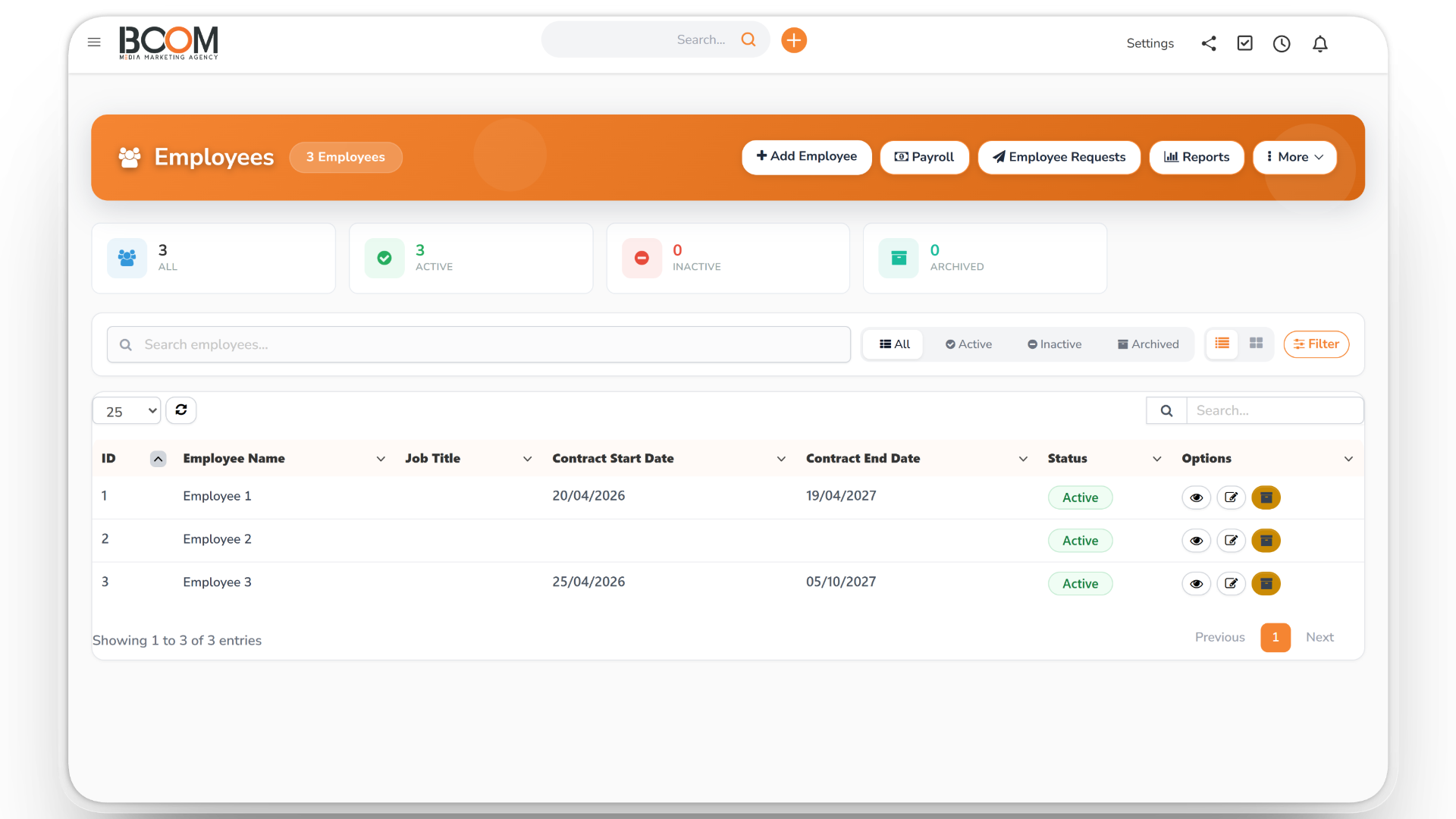
Employee Records
Keep every employee in one profile with your own custom fields, departments with a responsible manager, files with expiry warnings, contract renewals and a log of warnings.
- Custom employee fields
- File and contract expiry alerts
- Warnings, including automatic lateness warnings
Shifts, Breaks & Office Network
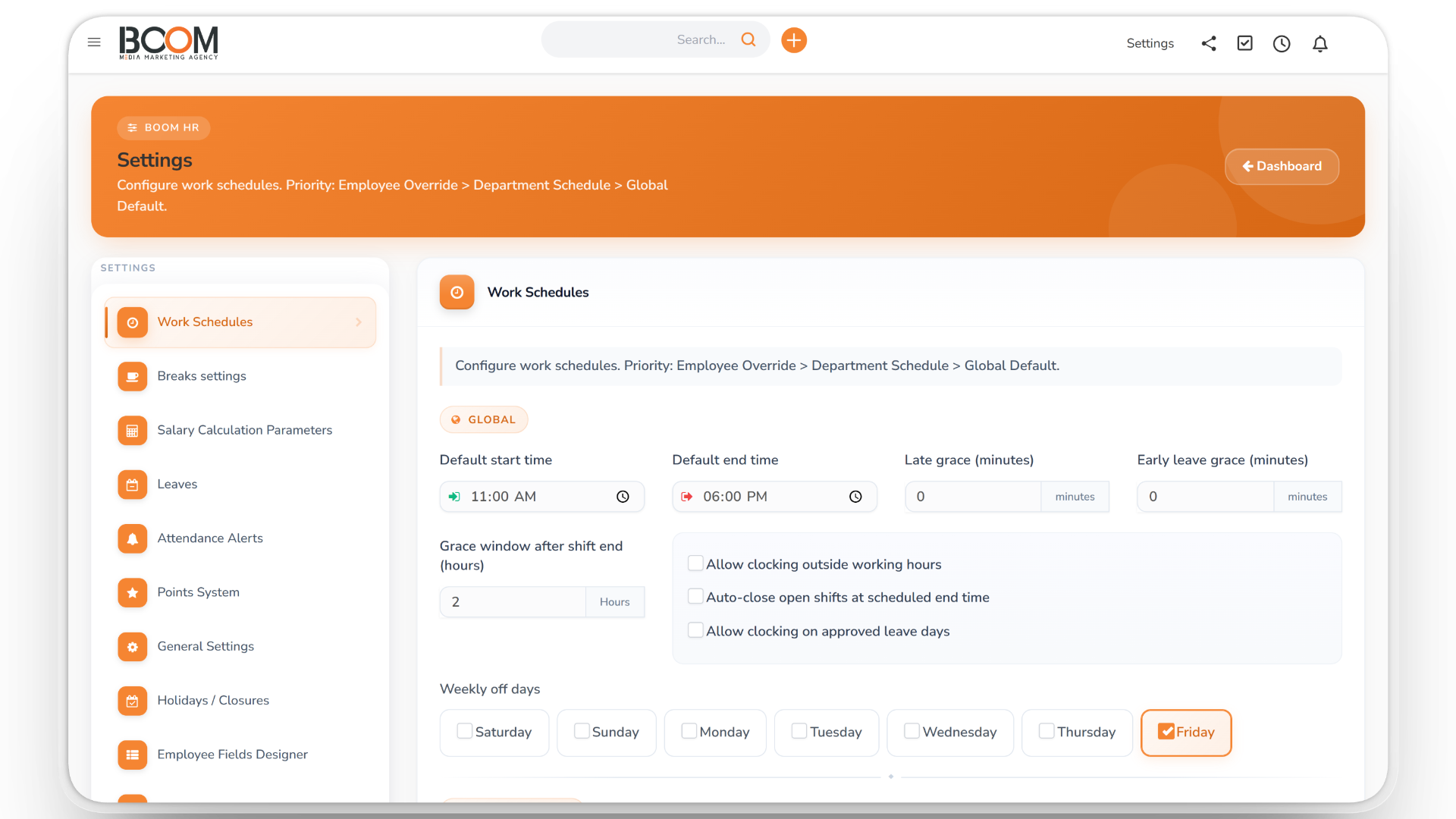
Employees clock in and out and take breaks that close automatically. Lateness is counted after the grace period you set, and clock-ins can be limited to your office network — strictly, or as an alert only.
- Late and early-leave grace periods
- Breaks that close automatically
- Network rules: IP, range or CIDR
Leave, Exceptions & Remote Work
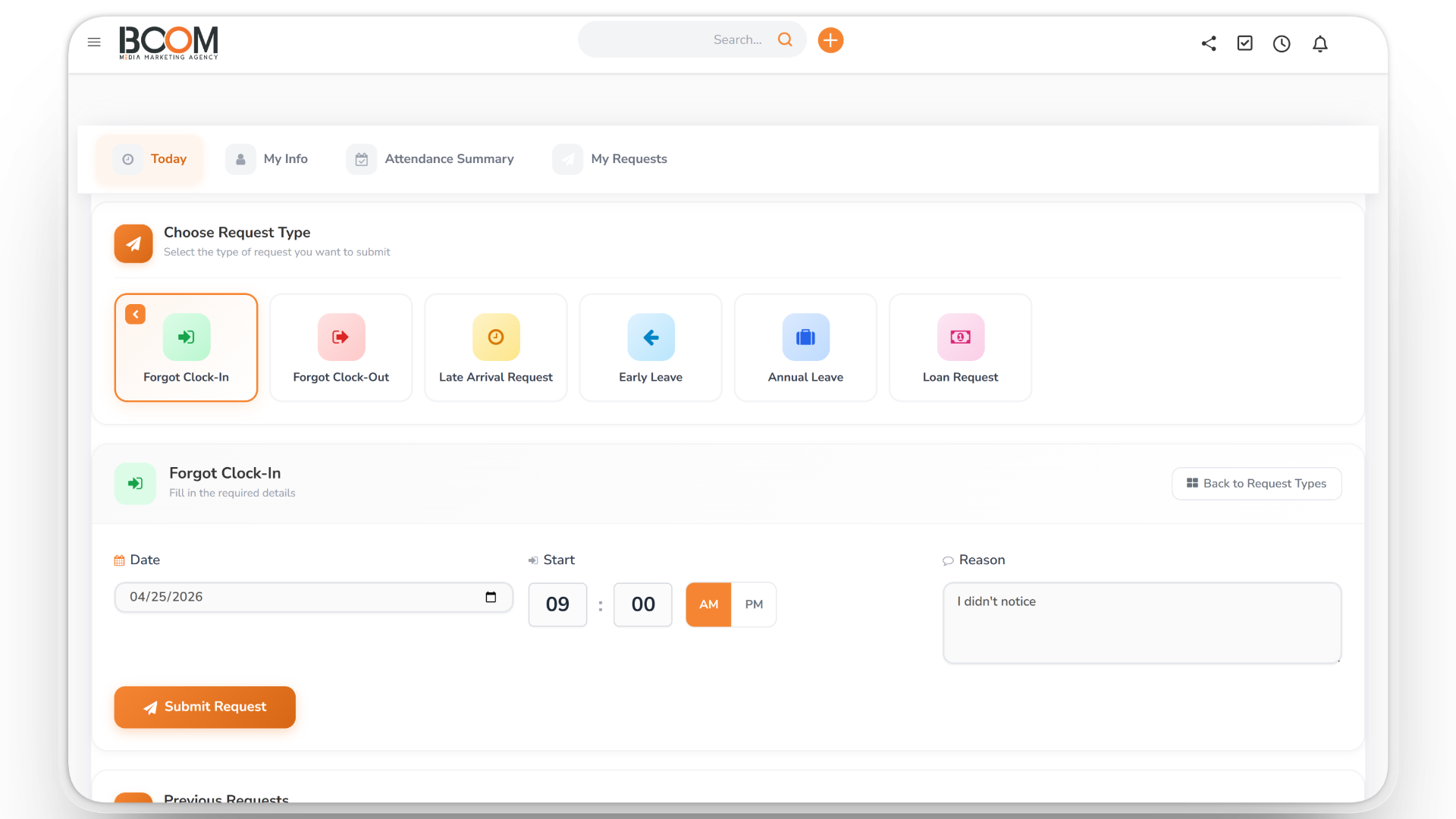
Leave balances accrue monthly with a carryover limit, and HR can adjust them with a reason. Employees request corrections when they forget to clock in, and ask for remote-work days with approval.
- Monthly accrual and carryover
- Forgot-to-clock-in requests
- Remote-work requests
Payroll & Escalations
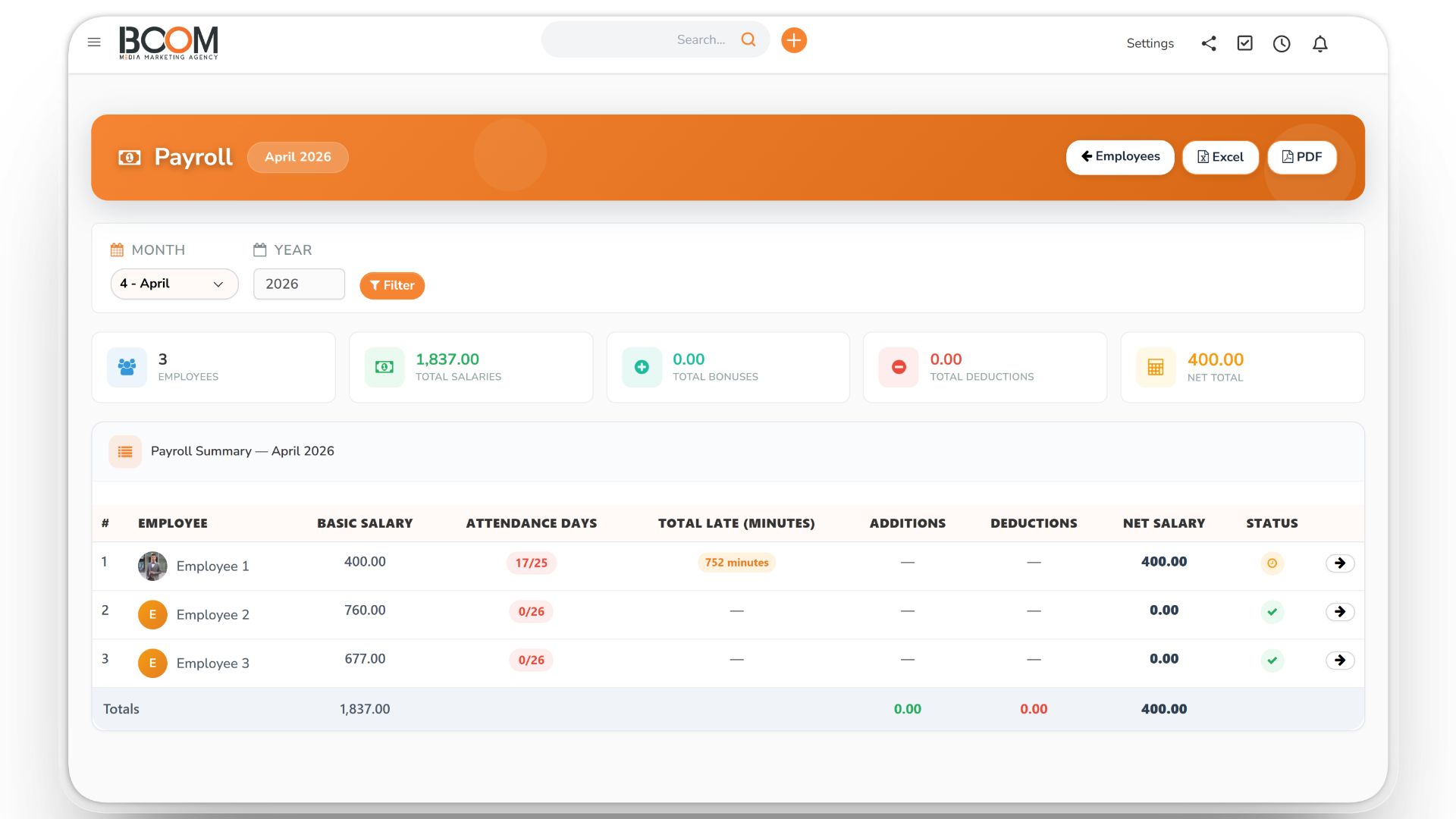
Prepare the month, review increments, adjustments, overtime and lateness deductions, then deliver the salary and print a disbursement receipt. Requests left pending too long escalate to a backup manager or HR.
- Prepare, review and deliver
- Disbursement receipts on your template
- Salary data hidden without permission
Loans & End of Service
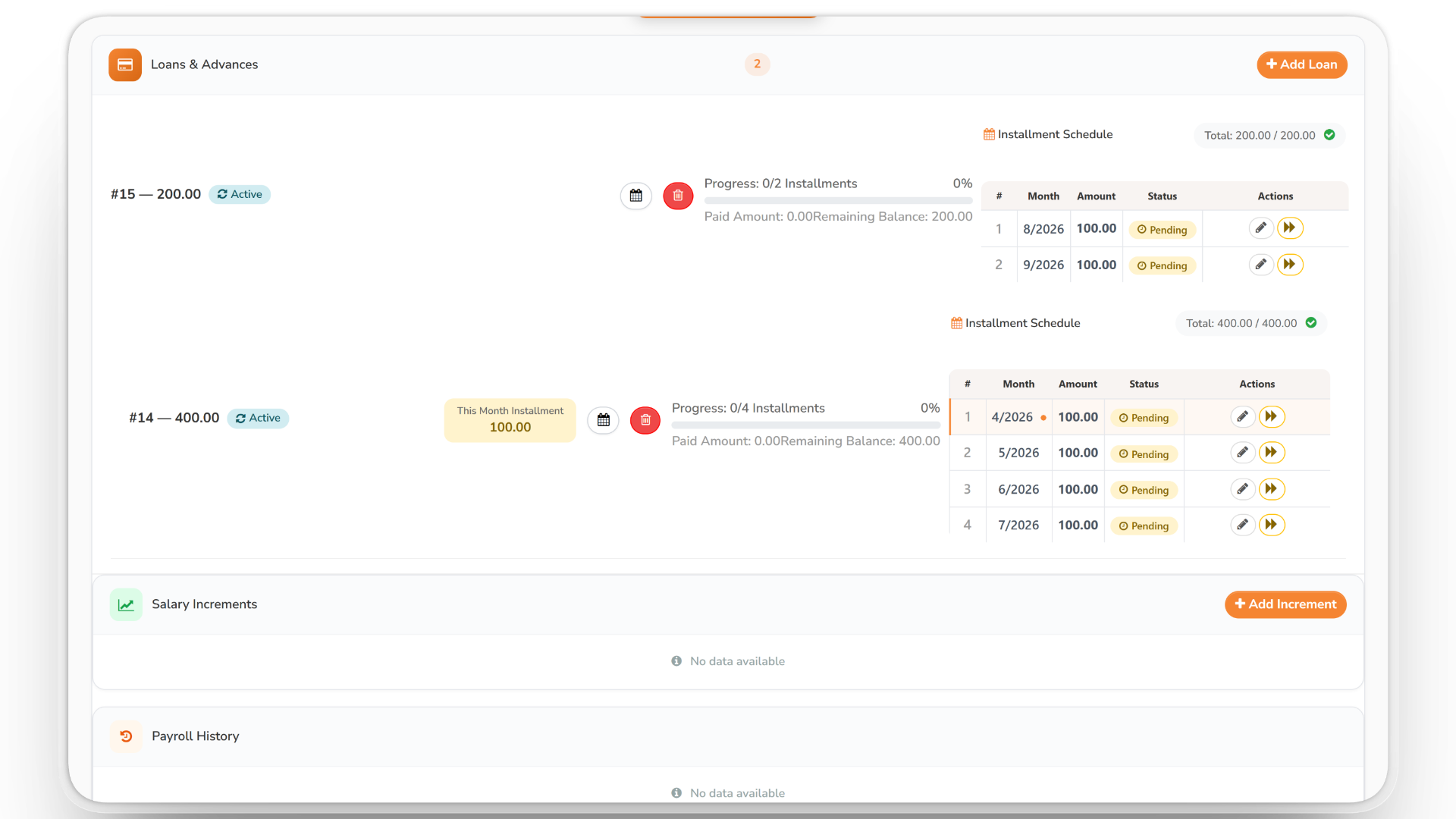
Set up loan installments that are deducted from payroll, defer an installment in one click, and calculate end-of-service entitlements for one employee or for everyone.
- Loan installments deducted from payroll
- One-click installment deferment
- End-of-service calculation
Reports, Documents & Activity Log
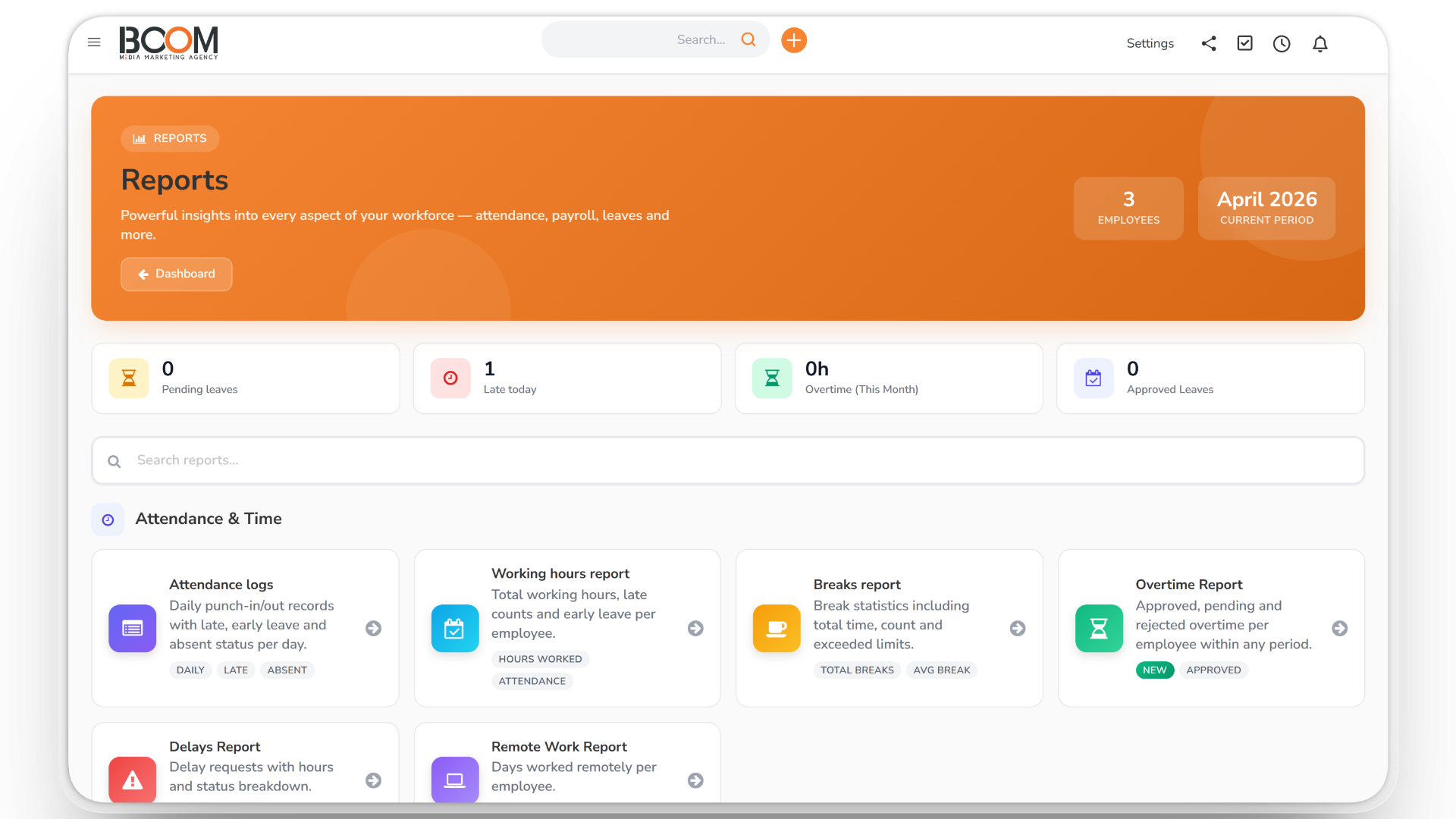
Build your own reports, export attendance, payroll, leave and loan reports, generate HR documents such as contracts and clearances from your templates, and review sensitive actions in the activity log.
- Custom report builder
- HR documents from your templates
- Activity log of sensitive actions
HR & Payroll: Every Employee, Every Month, in One Place
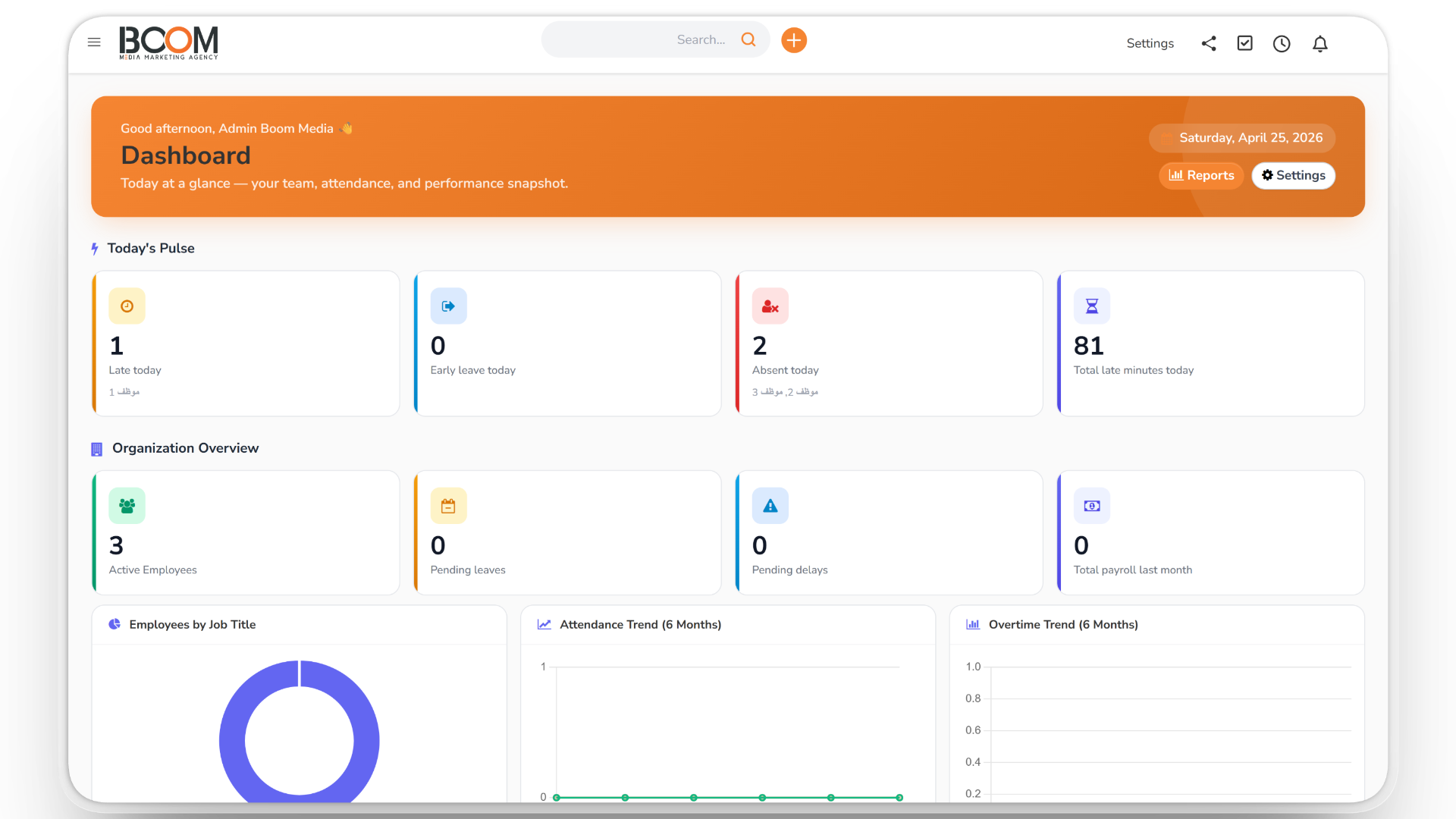
Many companies keep attendance in one tool, leave on paper and salaries in spreadsheets. BOOM ERP brings them together, so the month's payroll already knows who was late, on leave or working overtime.
Staff without payroll permission never see salary, bank or national ID fields, and HR supervisors see only the employees assigned to them.
HR works with the rest of BOOM ERP: book interviews with Appointments and collect applications with Forms.
From Hiring to Payday
1. Set up
Add employees, departments, schedules, holidays and network rules.
2. Track
Attendance, breaks, lateness, overtime and leave are recorded as they happen.
3. Approve
Managers approve requests; pending ones escalate automatically.
4. Pay
Prepare the month, deliver salaries and print disbursement receipts.
Everything Your HR Team Needs
What your team gets with HR & Payroll:
- Employee records — custom fields, files, contracts and renewals.
- Attendance — clock-in, breaks, grace periods and network rules.
- Leave — monthly accrual, carryover and manual adjustments.
- Requests — forgotten clock-ins, time corrections and remote work.
- Overtime — recorded and approved before payroll.
- Payroll — increments, adjustments, deductions and delivery.
- Receipts — salary disbursement receipts on your own template.
- Loans — installments, deferment and payroll deduction.
- End of service — calculated per employee or for everyone.
- Warnings — manual, or automatic for repeated lateness.
- Documents — contracts, NDAs, resignations and clearances from templates.
- Reports — report builder plus exports to Excel and PDF.
Made for Teams of Every Size
Want to see it first? Talk to us, or compare the plans.