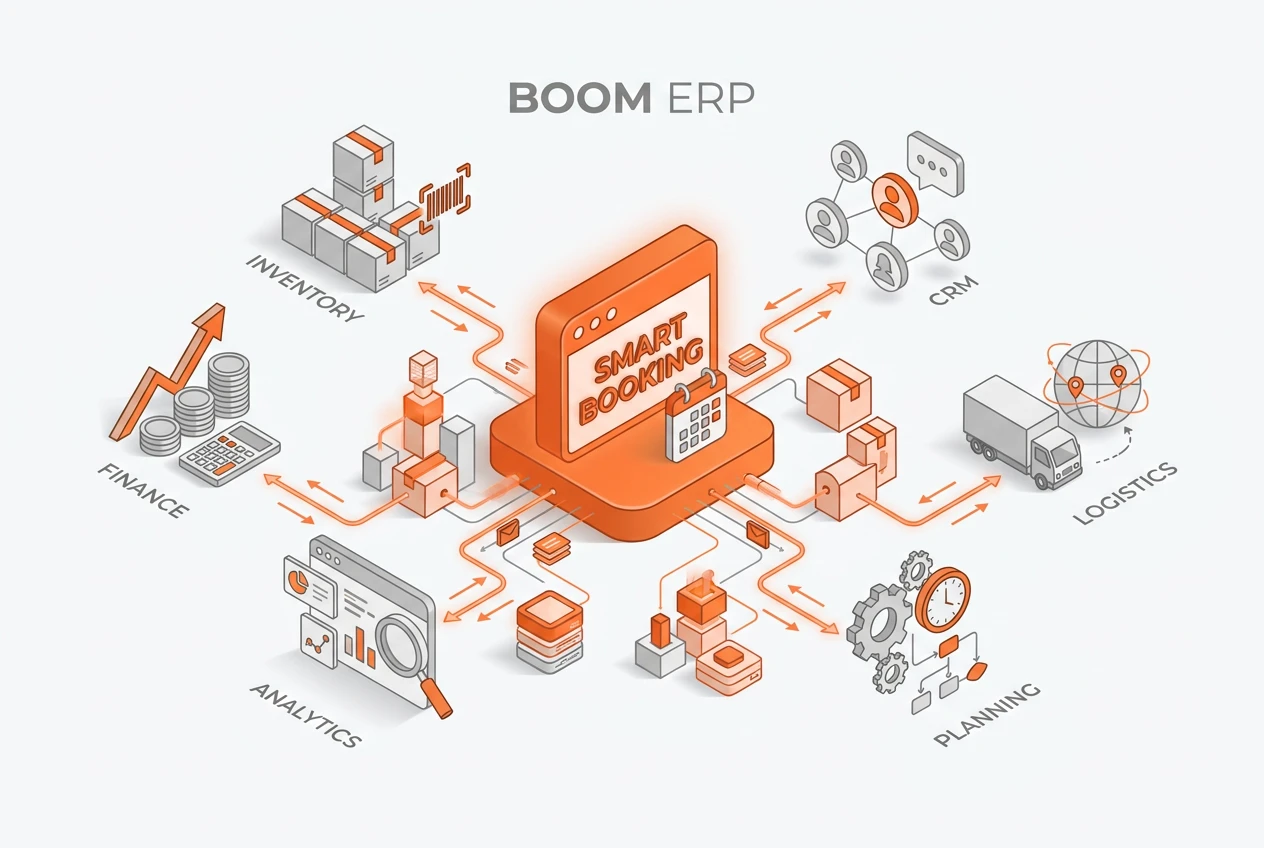
A booking-driven workflow transforms your business by connecting your calendar directly to CRM, projects, and finance. When a client books a time, it can automatically create a sales opportunity, assign a project task, and log the interaction in the client’s record. Consequently, this eliminates manual data entry and streamlines the entire lead-to-cash process, making your operations significantly more efficient from the very first client interaction.
What Exactly Is a Booking-Driven Workflow?
A booking-driven workflow is an automated sequence of business actions triggered by a client scheduling an appointment. Instead of viewing a booking as a simple calendar entry, this approach sees it as the starting point for the entire customer journey. For example, a confirmed meeting can instantly create a new lead in your CRM and a project placeholder. This proactive system ensures that no opportunity is missed and all necessary groundwork is laid automatically, reducing administrative burdens on your team.
Why Is Traditional Scheduling So Inefficient?
Manual scheduling creates unnecessary friction and opens the door to costly errors. First, employees spend valuable time on back-and-forth emails just to find a suitable time. Furthermore, once a time is set, they must manually update the CRM, create project folders, and notify the finance team. This disjointed process often leads to data silos, where information in one system does not match another. In short, it is slow, prone to human error, and delivers a poor client experience.
How Does Appointment Automation Initiate the Workflow?
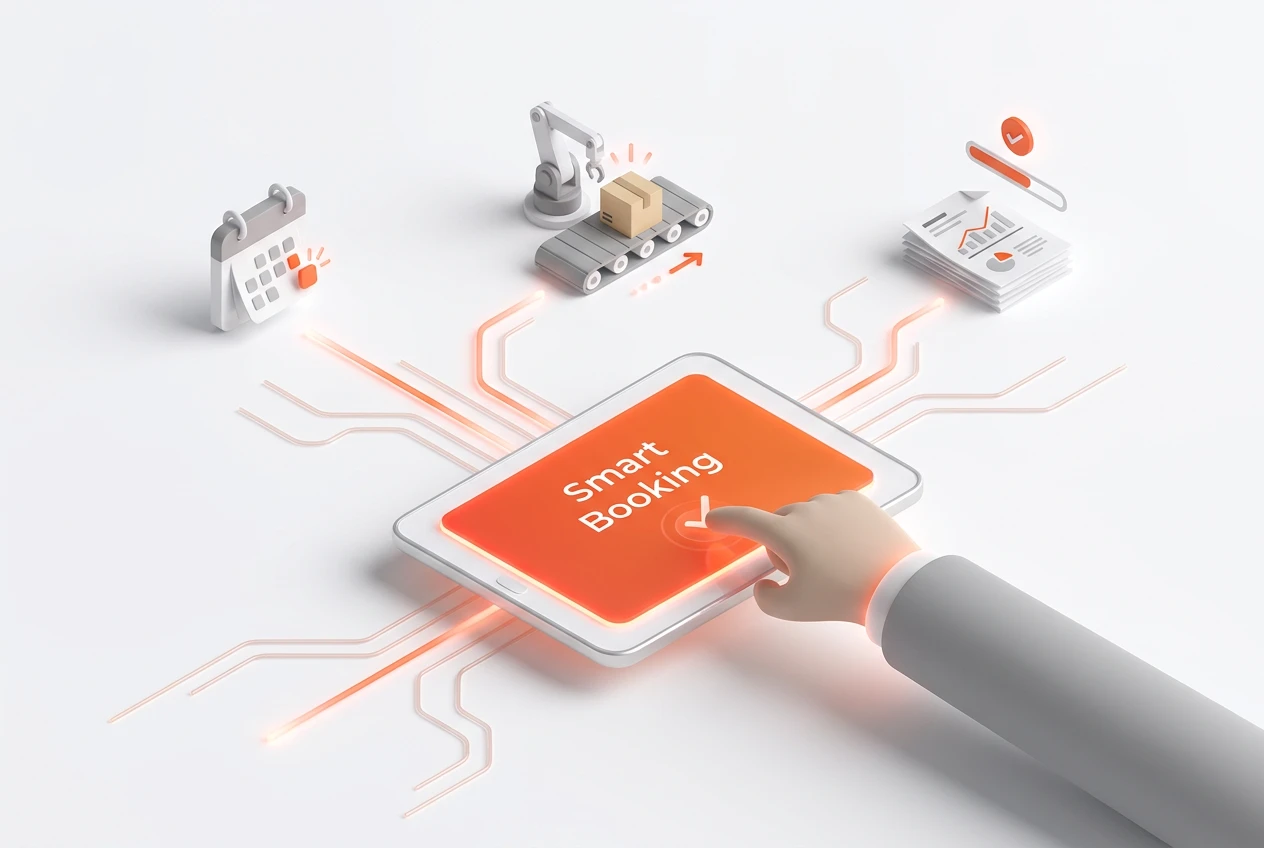
Appointment automation is the engine of a booking-driven workflow. It begins when you embed a smart booking link on your website or in your emails. When a client clicks and selects a time, the system takes over. This single action serves as the trigger. Therefore, the software immediately initiates a series of pre-defined steps without any human intervention. This ensures that every new appointment is processed consistently and correctly, laying a solid foundation for the entire client relationship.
Can Your Calendar Truly Connect to Your CRM?
Yes, connecting your calendar to your CRM is a cornerstone of this modern approach. With a unified platform like BOOM ERP, a new booking instantly checks the CRM for an existing client record. If a record exists, it logs the new appointment. If not, it creates a new contact and a sales opportunity. This seamless integration ensures your client data is always current. It provides your sales team with a complete history of interactions, which is crucial for building strong relationships.
How Does a Booking-Driven Workflow Create Projects?
A powerful feature of this system is its ability to translate appointments into actionable projects. You can configure rules so that specific service bookings automatically generate a new project in your management module. For example, a ‘Project Kick-off’ booking could create a project with a pre-set task list, assign a project manager, and allocate initial resources. This automated workflow after booking bridges the gap between sales and delivery, ensuring a smooth handover and immediate progress.
What Is the Impact on Financial Management?
The booking-driven workflow extends all the way to your finances, improving your calendar to cash flow cycle. When a project is created from a booking, the system can also generate a pro-forma invoice or a sales order. Moreover, as project milestones are completed, the system can trigger subsequent invoices automatically. This direct link between scheduling and billing reduces delays, improves cash flow predictability, and minimizes revenue leakage. It transforms your calendar into a powerful financial tool.
How Does This Unify Your Business Operations?
The core benefit of a booking-driven workflow is unification. Instead of juggling separate apps for scheduling, CRM, project management, and invoicing, you use a single, cohesive ecosystem. BOOM ERP provides this unified platform, eliminating the complexity and cost of multiple subscriptions. As a result, data flows freely between departments, providing a single source of truth for your entire organization. This enhances collaboration and provides leaders with a clear view of the business from lead to final payment.
What Are the Key Steps to Implement This Workflow?
Implementing a booking-driven workflow is straightforward with the right platform. It involves a few key configuration steps to align the technology with your business processes. A well-planned setup ensures you get the maximum benefit from day one. Here are the essential steps:
- Integrate Your Calendar: First, connect your team’s calendars to the ERP system to sync availability in real-time.
- Define Automation Rules: Decide what should happen after a booking. For instance, which service bookings trigger new projects?
- Configure Project Templates: Create standard project templates with predefined tasks and roles for different service types.
- Set Up Financial Triggers: Link booking types to specific invoicing rules or sales order creation.
- Train Your Team: Finally, ensure your team understands how the new, streamlined process works to maximize adoption.
How Does a Booking-Driven Workflow Help You Scale?
As your professional services firm grows, manual processes become a significant bottleneck. A booking-driven workflow, however, is built to scale. Because the processes are automated and standardized, you can handle a higher volume of clients without needing to proportionally increase your administrative staff. Whether you have a team of five or five hundred, the workflow remains efficient and consistent. BOOM ERP scales with you, offering role-based security and robust features that support your growth at every stage.
Frequently Asked Questions
What happens if a client reschedules or cancels?
A smart system like BOOM ERP automatically updates all connected modules. For example, if a client reschedules, the calendar event moves, and any associated project deadlines can be adjusted automatically based on your pre-set rules.
Can this workflow handle different service types?
Absolutely. You can create unique automation rules for each type of service you offer. A ‘Discovery Call’ might create a lead, while a ‘Training Session’ could create a detailed project with multiple tasks and billable hours.
Is a booking-driven workflow secure?
Yes. A unified ERP platform like BOOM ERP is built with role-based security. This means team members can only access the information and functions relevant to their jobs, ensuring that sensitive client and financial data remains protected.
How long does it take to set up?
Setup time varies, but with a user-friendly system, you can have a basic booking-driven workflow operational in a matter of hours. BOOM ERP is designed for rapid implementation, and our 7-day free trial lets you explore the setup process.
Does this replace my existing calendar app?
It integrates with it. The system typically syncs with popular calendars like Google Calendar or Outlook, so you can continue using the calendar interface you’re familiar with while the ERP handles the automation in the background.
Can I customize the automated actions?
Yes, customization is key. The best client scheduling software allows you to define precisely what happens after a booking. You can set conditions, choose which project templates to use, and specify who gets notified, giving you full control.
Ready to eliminate administrative bottlenecks and transform your operations? A booking-driven workflow is the answer. By connecting your calendar to your core business functions, you create a seamless, efficient process from the very first client interaction. Discover how BOOM ERP’s unified platform can streamline your business by exploring our features. You can also follow us on Facebook for more insights. Start your free trial today and build a smarter workflow.