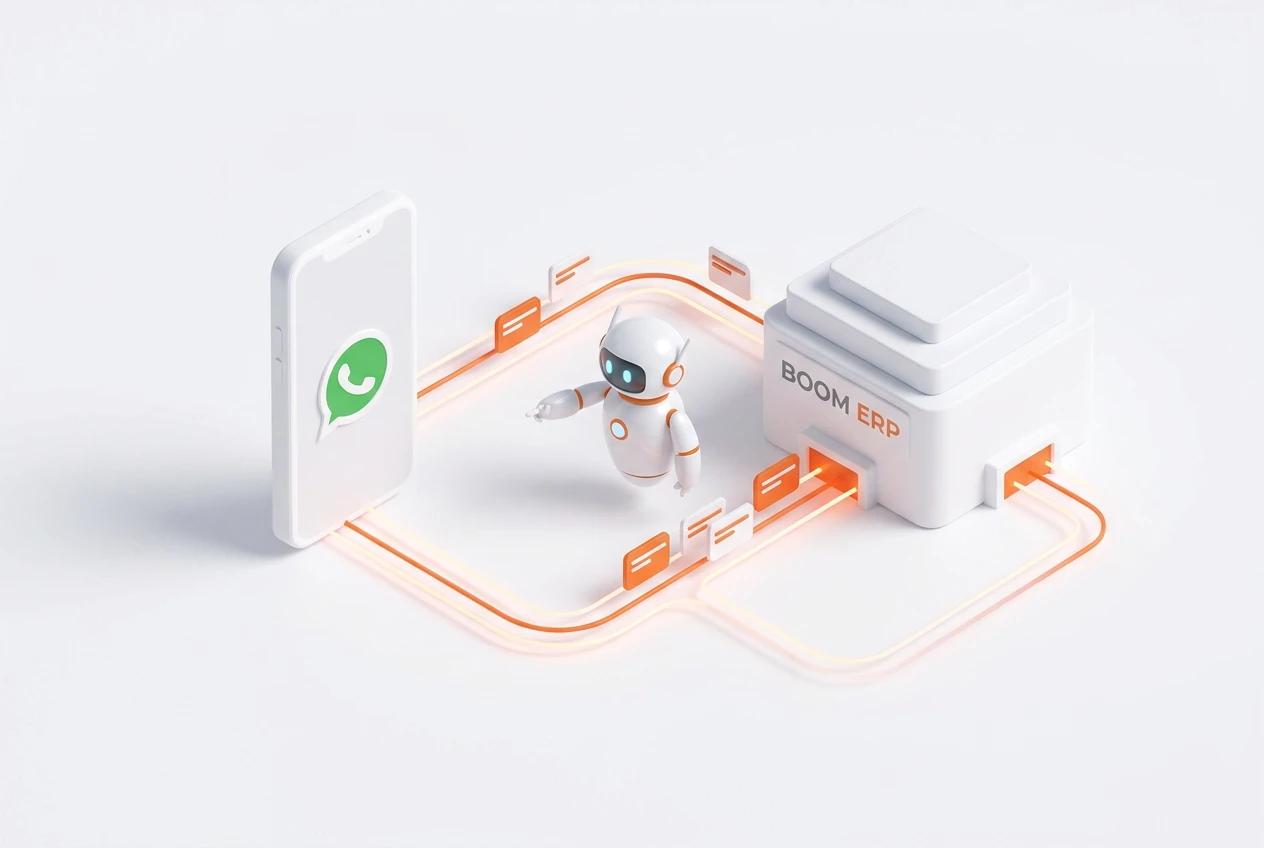
An ERP-integrated WhatsBot for ERP automates customer interactions on WhatsApp, handling inquiries, qualifying leads, and processing orders 24/7. Furthermore, it syncs conversation data directly with your CRM and other modules. This eliminates manual entry and provides a single source of truth for all customer communications. Consequently, it directly boosts team efficiency and sales.
What Is a WhatsBot for ERP?
A WhatsBot for ERP is a powerful software tool that connects the WhatsApp Business API directly to your Enterprise Resource Planning (ERP) system. Essentially, it acts as an automated assistant living inside the world’s most popular messaging app. Instead of having staff manually respond to every message, the bot can handle a wide range of tasks.
For example, it can answer common questions, collect customer information, and even guide users through the initial stages of a sale. BOOM ERP enhances this by unifying all these interactions within a single ecosystem. This means every chat is a data point that enriches your business intelligence without extra work.
How Does WhatsApp Automation Benefit Sales Teams?
WhatsApp automation transforms how sales teams operate by working around the clock. Your WhatsBot can engage potential customers the moment they show interest, day or night. It asks qualifying questions, gathers contact details, and can even schedule a follow-up call with a human agent. Therefore, your sales team arrives every morning to a pipeline of warm, pre-qualified leads.
Additionally, this frees up your skilled sales professionals from repetitive, low-value tasks. They can focus on closing complex deals and building strong customer relationships. This results in a shorter sales cycle and higher conversion rates, directly impacting your bottom line.
Why Integrate Your WhatsBot with an ERP?
Integrating your WhatsBot directly with an ERP like BOOM ERP is crucial for creating a seamless operation. Without integration, your bot is just a standalone chat tool. This creates data silos where conversations on WhatsApp are disconnected from customer profiles, order history, and inventory levels in your main system.
However, with integration, every piece of information is synchronized automatically. For instance, when a lead provides their contact info on WhatsApp, a new record is created in your CRM. When a customer asks about an order, the bot pulls real-time status from your ERP. This creates a single source of truth and eliminates costly manual data entry errors.
Can a WhatsBot Handle Customer Support?
Yes, a WhatsBot is exceptionally effective for customer support automation on WhatsApp. Many customer inquiries are repetitive, such as questions about store hours, return policies, or order tracking. A well-configured bot can provide instant, accurate answers to these common questions 24/7. This dramatically reduces the burden on your support staff.
Consequently, your human agents can dedicate their time to resolving more complex or sensitive issues that require a personal touch. This not only improves your team’s efficiency but also boosts customer satisfaction by providing immediate help. It’s a win-win for your business and your clients.
How to Automate Sales on WhatsApp Step-by-Step?
To automate sales on WhatsApp, you need a structured approach that connects your strategy with the right technology. It’s more than just turning on a chatbot; it’s about designing a smooth customer journey. A unified platform like BOOM ERP simplifies this process by providing the necessary tools in one place.
Here is a simple guide to get started:
- Define Your Goals: First, determine what you want to achieve. Do you want to qualify leads, process orders, or provide post-sale support? Clear goals guide your bot’s design.
- Connect to the API: Next, you must get access to the WhatsApp Business API. Platforms like BOOM ERP handle this technical step for you, ensuring a secure and reliable connection.
- Build Conversation Flows: Design the conversations your bot will have. This involves creating scripts for common inquiries and decision trees to guide users toward a goal.
- Integrate with Your ERP/CRM: This is the most critical step. Connect your WhatsBot to your central system to sync data like contacts, orders, and inventory. Explore the BOOM ERP features to see how this works.
- Test and Deploy: Before going live, thoroughly test all conversation paths to ensure they work as expected. Once you are confident, you can deploy the bot to engage with your customers.
- Monitor and Optimize: Finally, continuously monitor the bot’s performance. Analyze conversations to identify areas for improvement and refine its responses over time.
What is Conversational Commerce?
Conversational commerce refers to the practice of selling products and services through messaging apps and chatbots. It’s about meeting customers where they are and providing a shopping experience that feels as natural as talking to a friend. Instead of navigating a complex website, customers can simply ask for what they want.
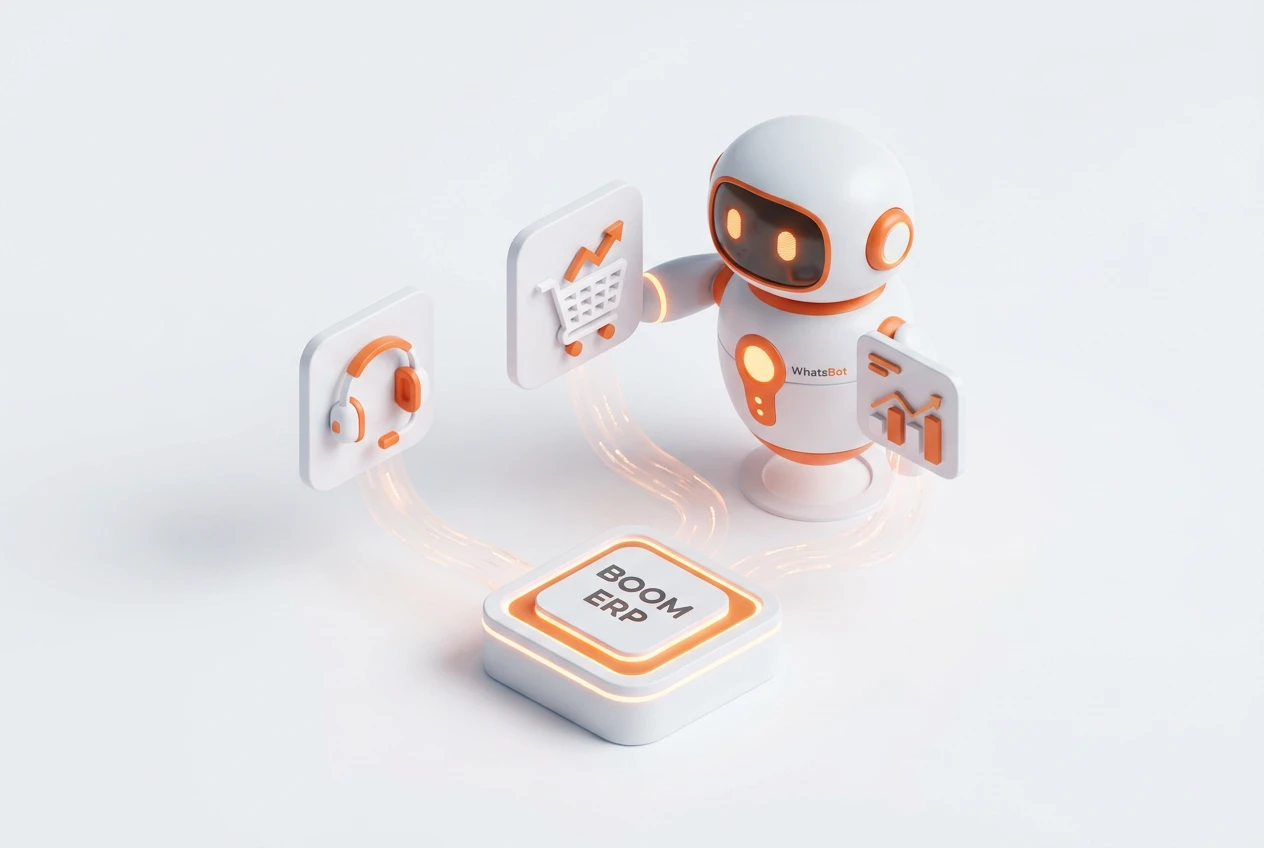
A WhatsBot for ERP is a prime example of conversational commerce in action. A customer can message your business on WhatsApp, ask about a product, get recommendations, add it to a cart, and even complete the purchase all within the chat window. This frictionless process significantly reduces cart abandonment and enhances the overall customer experience.
Does This Replace My Sales Team?
A common concern is that automation will replace human jobs. However, a WhatsBot for ERP is designed to augment your sales team, not replace it. The bot excels at handling high-volume, repetitive tasks that often consume a salesperson’s time. This includes initial lead qualification, answering basic questions, and scheduling appointments.
By automating these steps, your human sales experts are freed up to focus on what they do best: building relationships, negotiating deals, and closing high-value sales. The bot acts as a tireless assistant, ensuring no lead is missed and every team member can operate at peak efficiency. It makes your great team even better.
How Does a CRM Chatbot Improve Data Quality?
A CRM chatbot, especially one integrated with your ERP, is a powerful tool for improving data quality. Manual data entry is prone to human error—typos, missed fields, and inconsistent formatting can lead to a messy and unreliable database. The chatbot eliminates most of these issues.
Because the bot follows a pre-defined script, it collects information in a structured and consistent way. For example, it can validate email addresses or phone numbers in real-time. All this verified data is then synced directly to your CRM module within BOOM ERP, ensuring your customer records are clean, accurate, and up-to-date without any manual intervention.
Frequently Asked Questions
How much does a WhatsBot for ERP cost?
The cost varies based on the platform and features. BOOM ERP offers this as part of its unified system, providing significant value compared to buying multiple standalone apps. We offer a 7-day free trial with no credit card required to explore its capabilities.
Is a WhatsBot secure for business transactions?
Yes. When using the official WhatsApp Business API through a trusted partner like BOOM ERP, all communications are end-to-end encrypted. Furthermore, our platform includes role-based security to ensure only authorized personnel can access sensitive data.
How long does it take to set up a WhatsBot?
With a unified platform like BOOM ERP, setup is surprisingly fast. The technical integration is already handled, so you can focus on configuring your conversation flows. You can have a basic bot operational in just a few days.
Can the bot understand multiple languages?
Yes, modern WhatsBots can be configured to support multiple languages. You can design conversation flows in English, Arabic, and other languages to serve a diverse customer base, providing a personalized experience for everyone.
What happens if the bot can’t answer a question?
A well-designed bot includes a ‘human handover’ protocol. If the bot encounters a question it cannot answer, it can seamlessly transfer the conversation to a live agent. It also provides the agent with the full chat history for context.
Ready to stop juggling apps and start streamlining your sales? A WhatsBot for ERP is the key to unlocking new levels of efficiency and customer engagement. By integrating your communications directly into your core business system, you create a powerful, automated workflow. Explore the full suite of BOOM ERP features and begin your 7-day free trial today to see the difference a unified system can make. Don’t forget to follow us on Facebook for more tips!